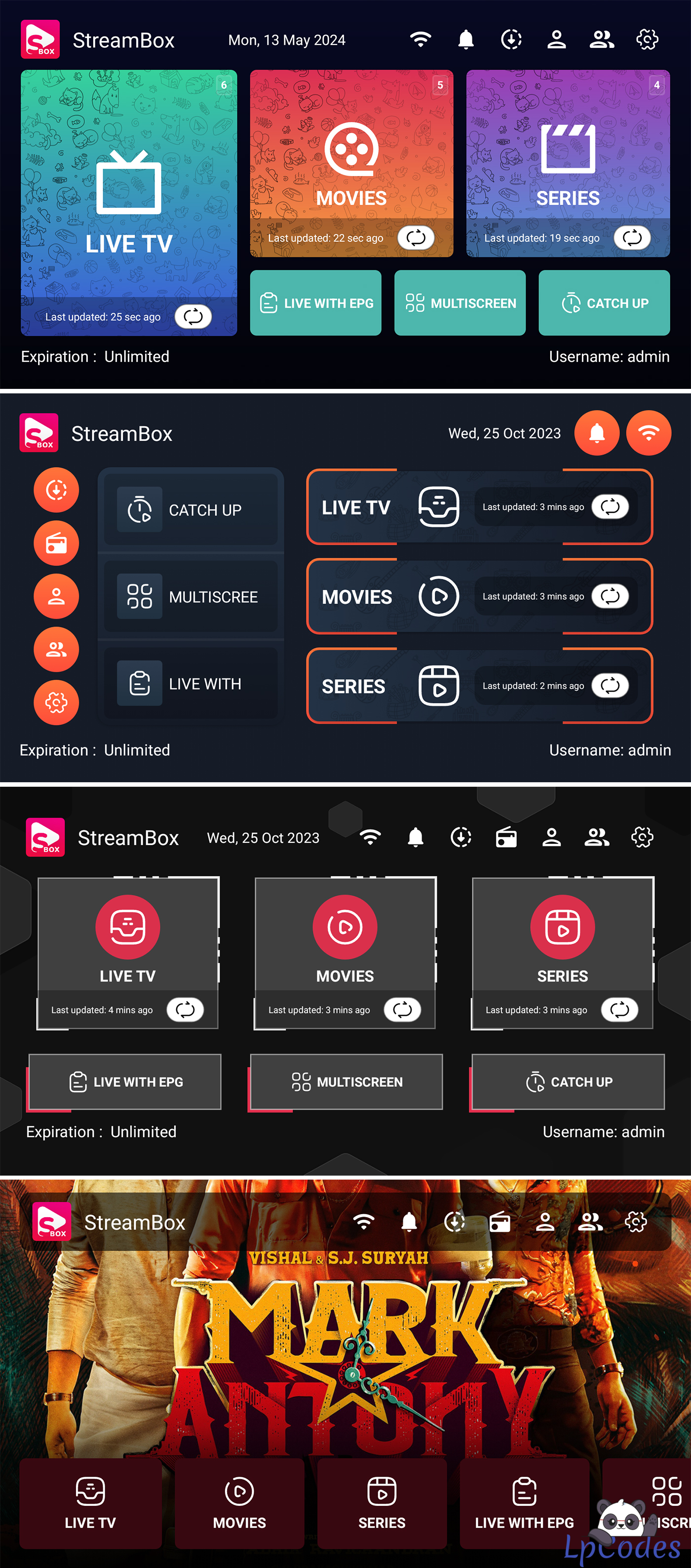
Panel files
App source code
Sql table
Compiled APK
Little Guide off how to:
I'm recommending android studio Koala:
https://redirector.gvt1.com/edgedl/android/studio/install/2024.1.1.11/android-studio-2024.1.1.11-windows.exe
Step 1: Create a sql on your host, save your db name, db password, db username.
Step 2: use phpadmin, select db you create and import above sql table
Step 3: upload panel files to your host.
* upload finish, go to location /includes/db_helper.
* open file in edit mode and add you db name,db username,db password.
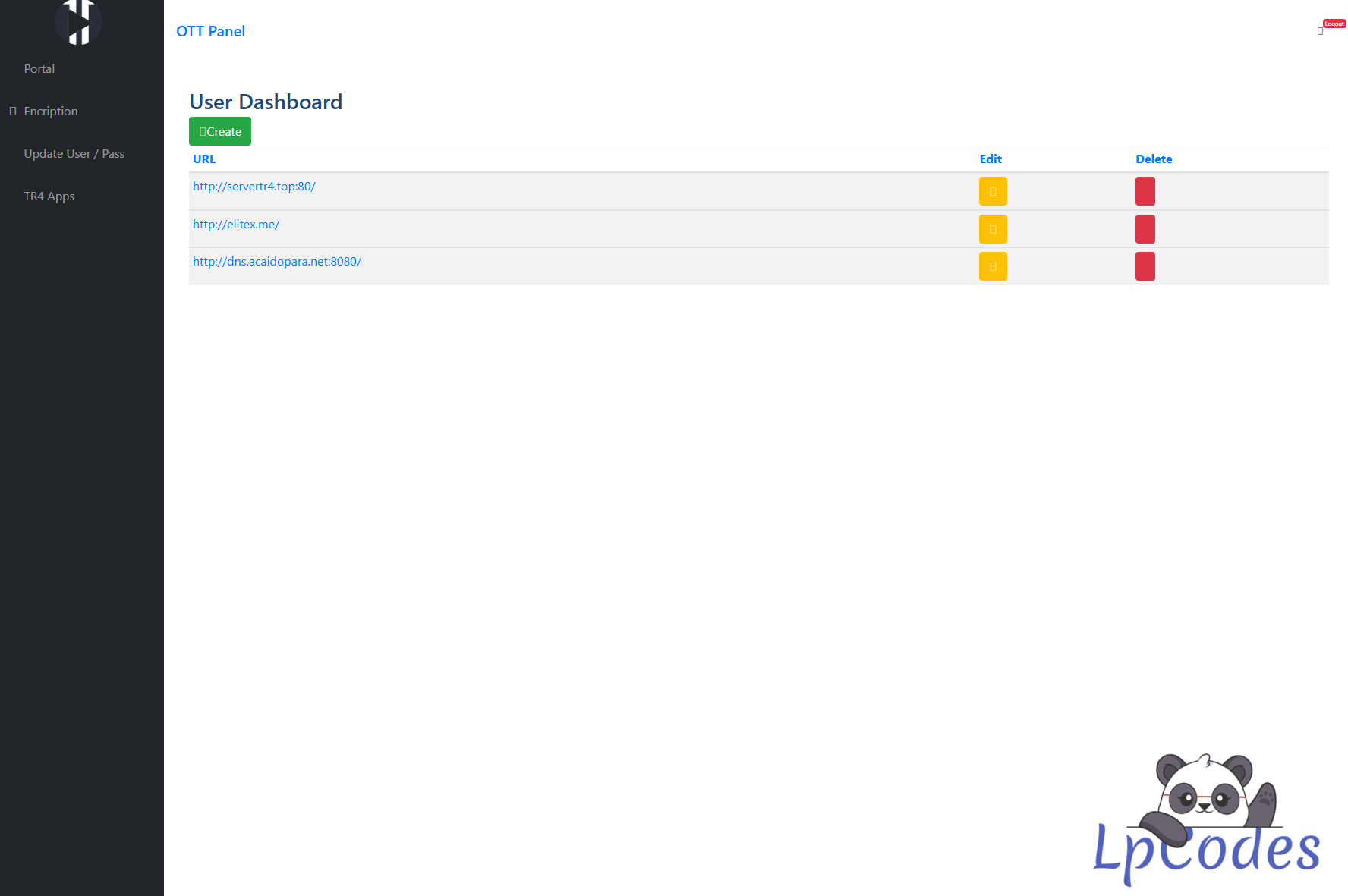
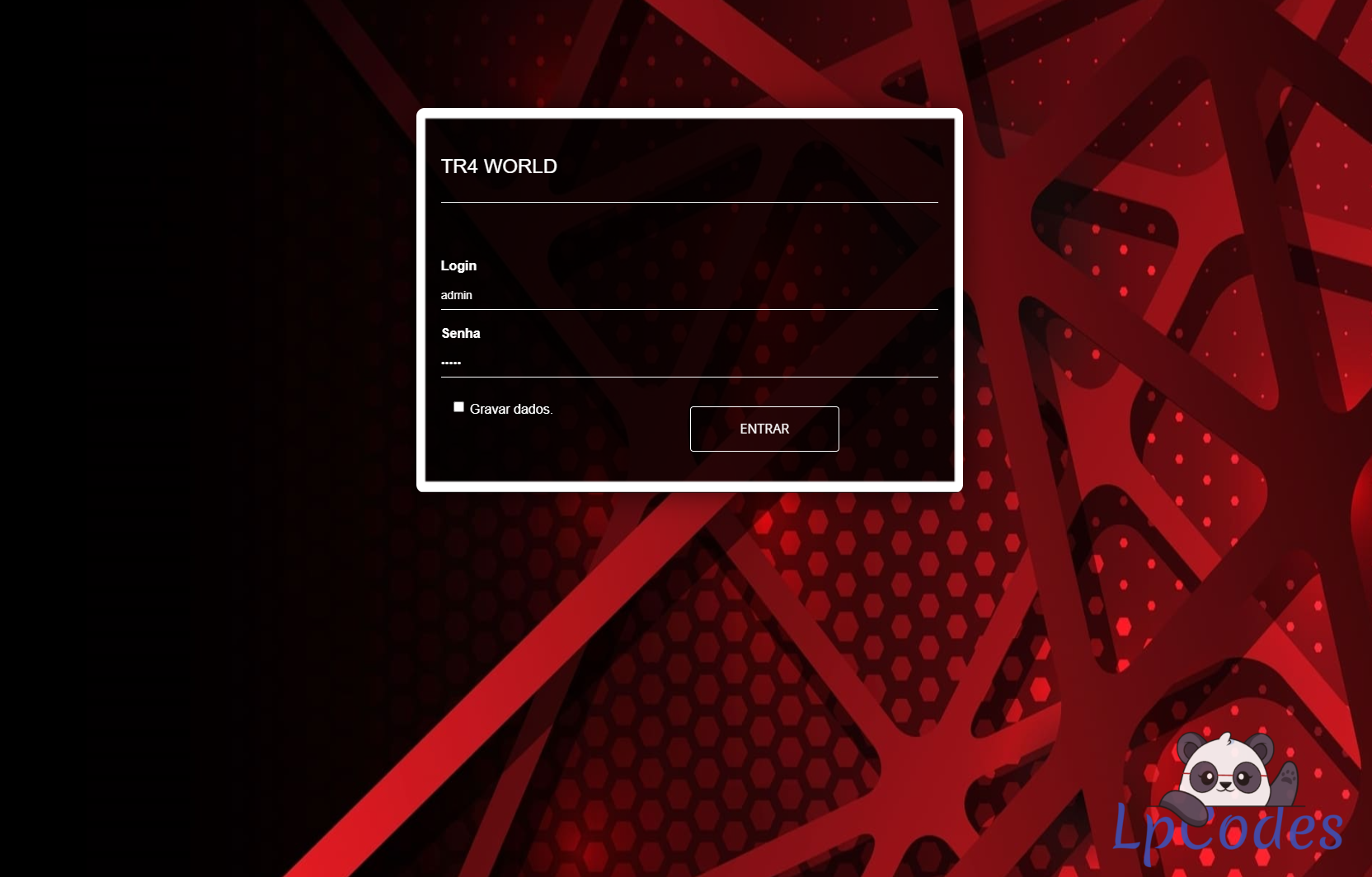
Step 4: open the panel in browser using the domain you chose. For exemple https://pinkapk.top
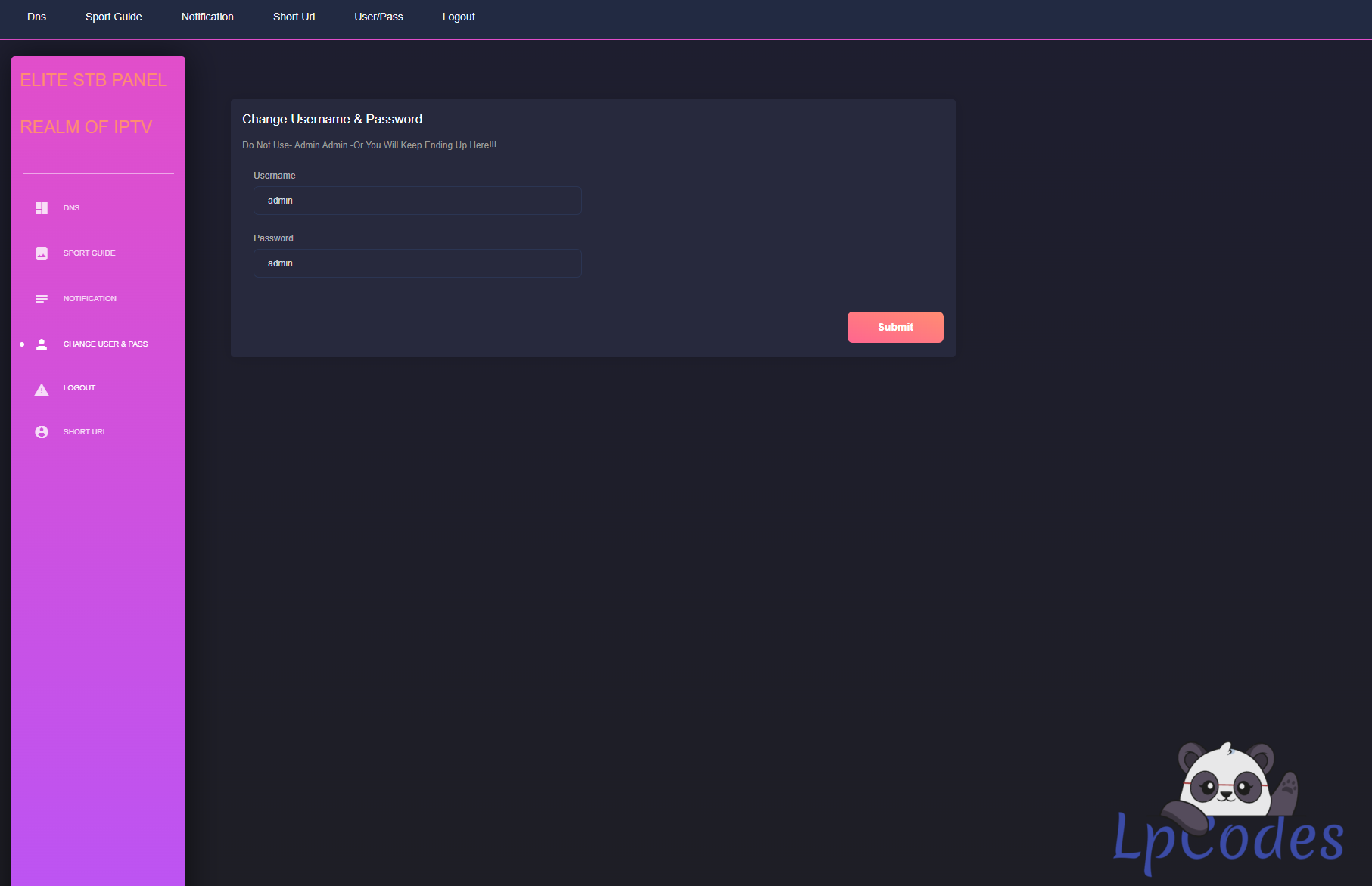
user pass admin admin
Step 5: Using App source code go to:
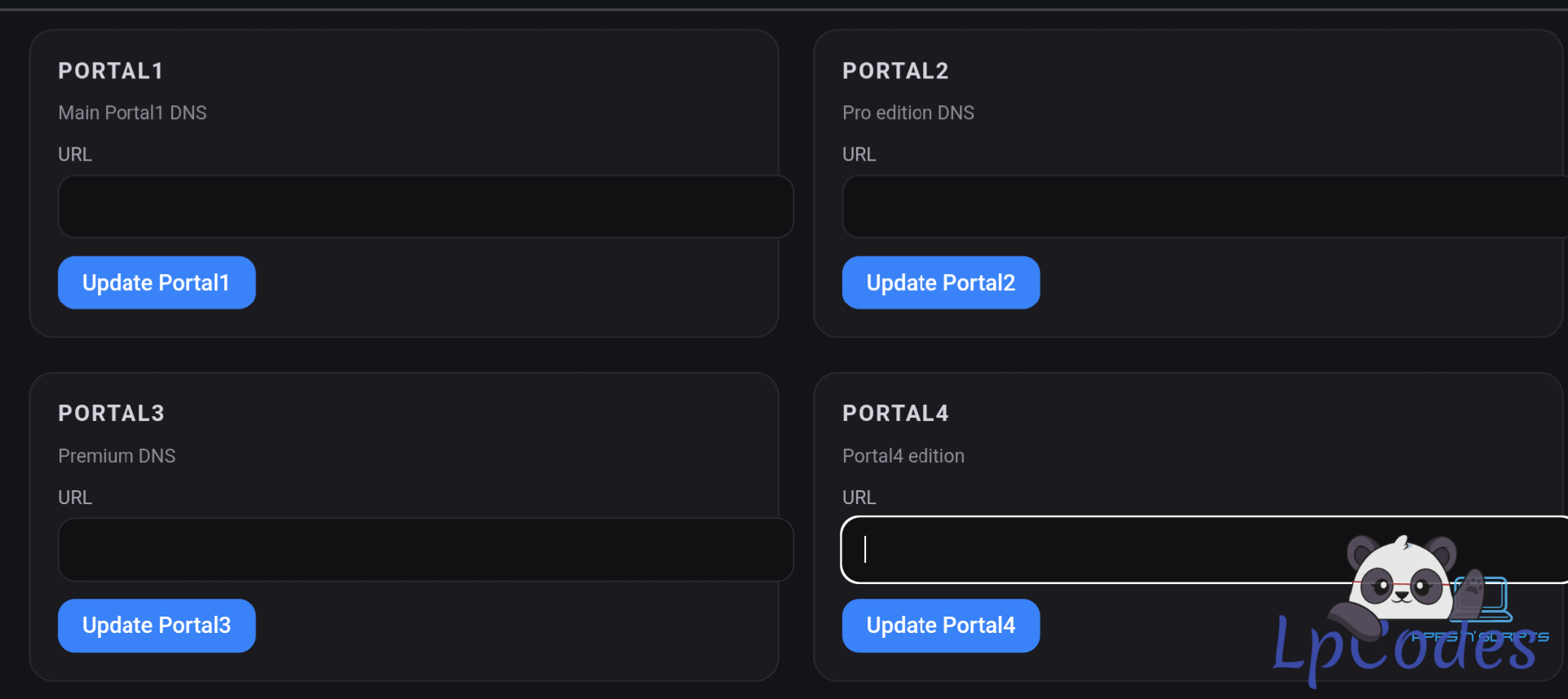
*gradel_properties and replace your panel here whit you url
* change App name in res/values/strings.xml
* !!!ATENTION!!! if u decide to change package name Using source code
u gone need a valid firebase project valid for your package name u wanna use
and before compile the app u gone need to download the .json and copy in project /app folder
Step 6: change your logo whit your own.
Step 7: Build apk
Using the apk already compiled:
Step 1: open app using Mt Manager and select decompile all dex
Step :2 Search your_panel_api or your_panel
Step 3: replace all instance whit your url
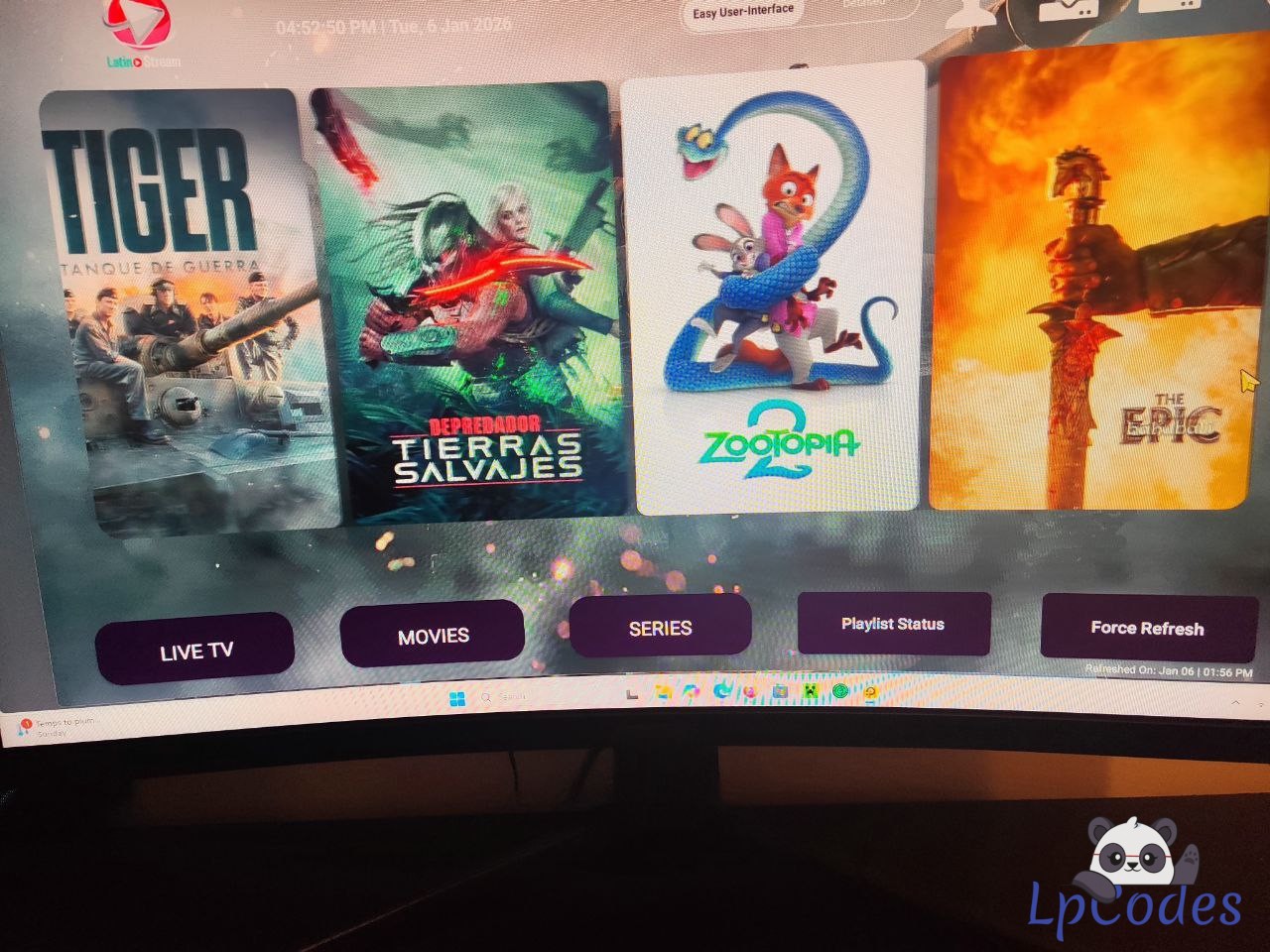
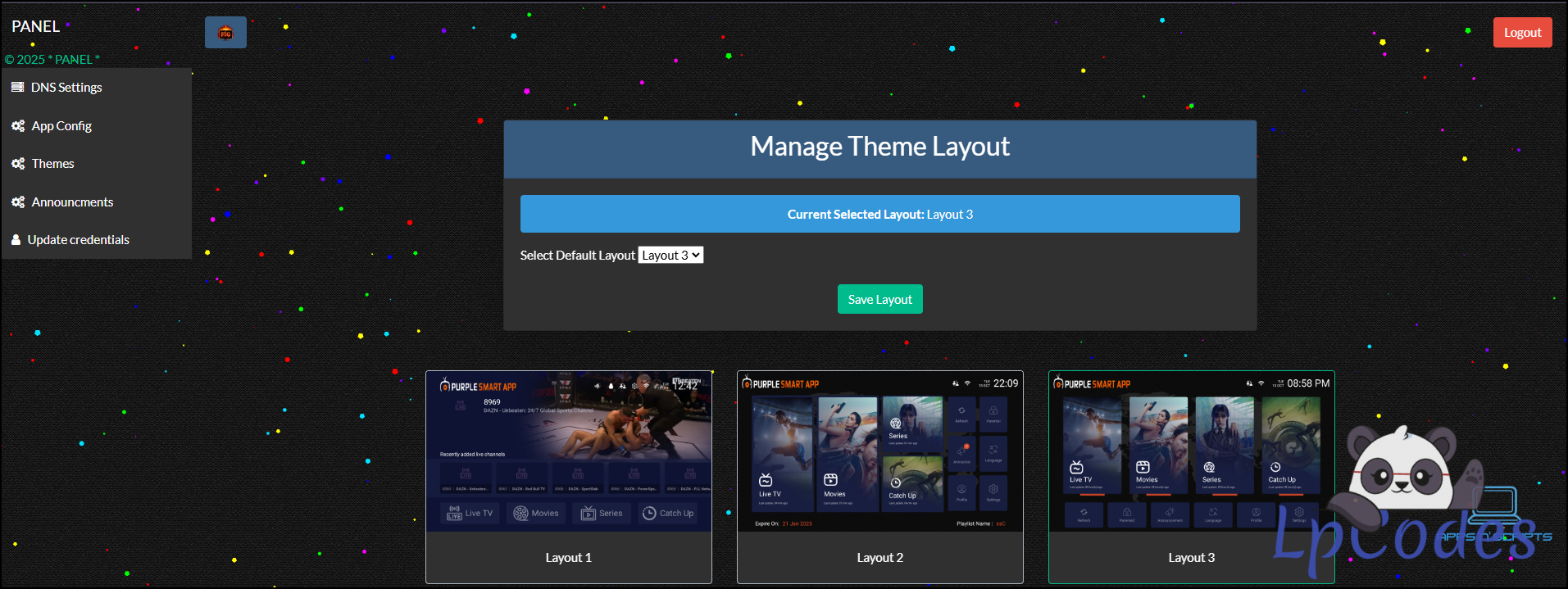
Both extra vod can be activate from panel, the sport section is direct hardcoded, tmdb api key necessary, some tiny tweak to panel was applied, but is the same like my previous one
!!!ATENTION!!! IF U CHANGE API_NAME IN GRADEL_PROPERTIES U NEED TO MATCH THE SAME NAME IN PANEL FILES IF NOT APP WILL HAVE SERVER ERROR AGAIN
Enjoy
Respect Double D (Back Up)