in web browser navigate to the web player
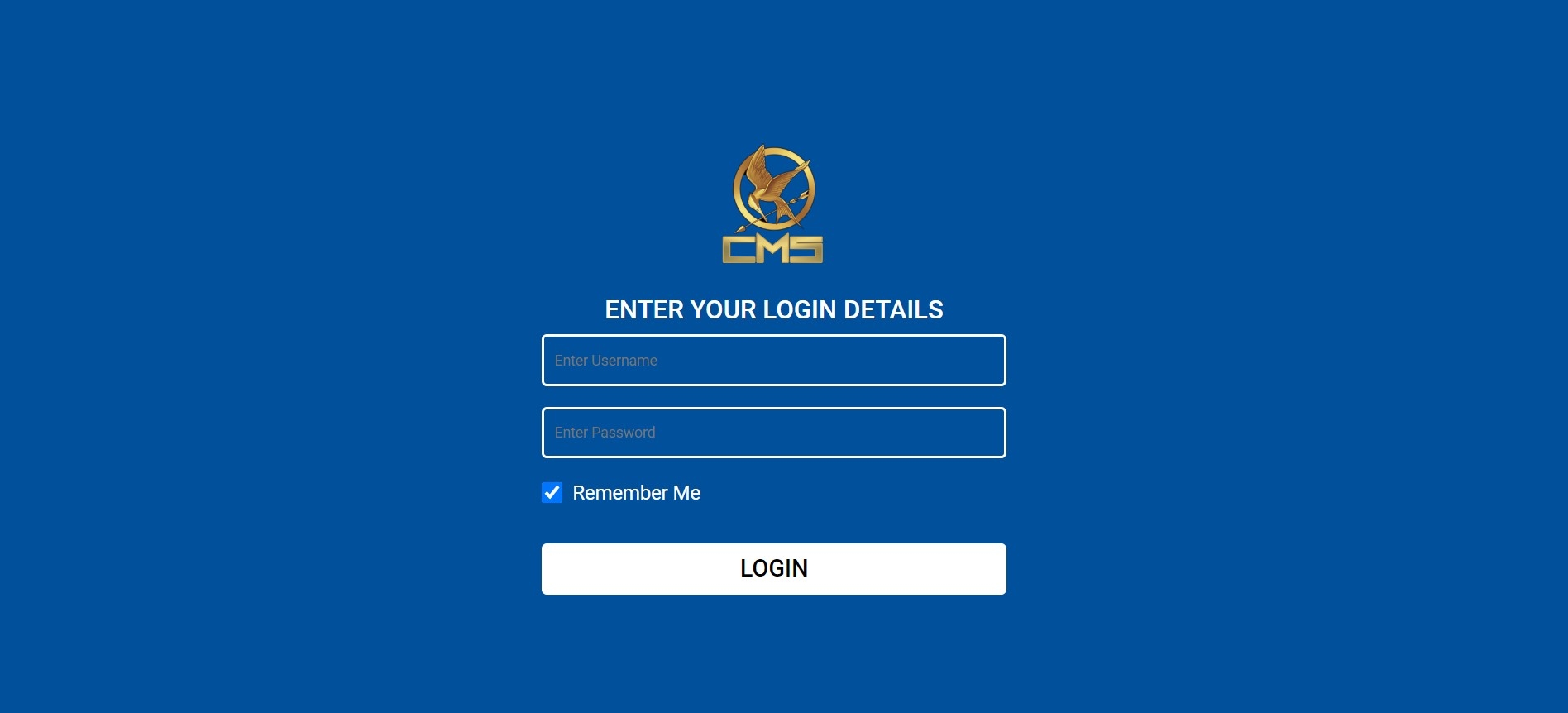
log in admin / admin
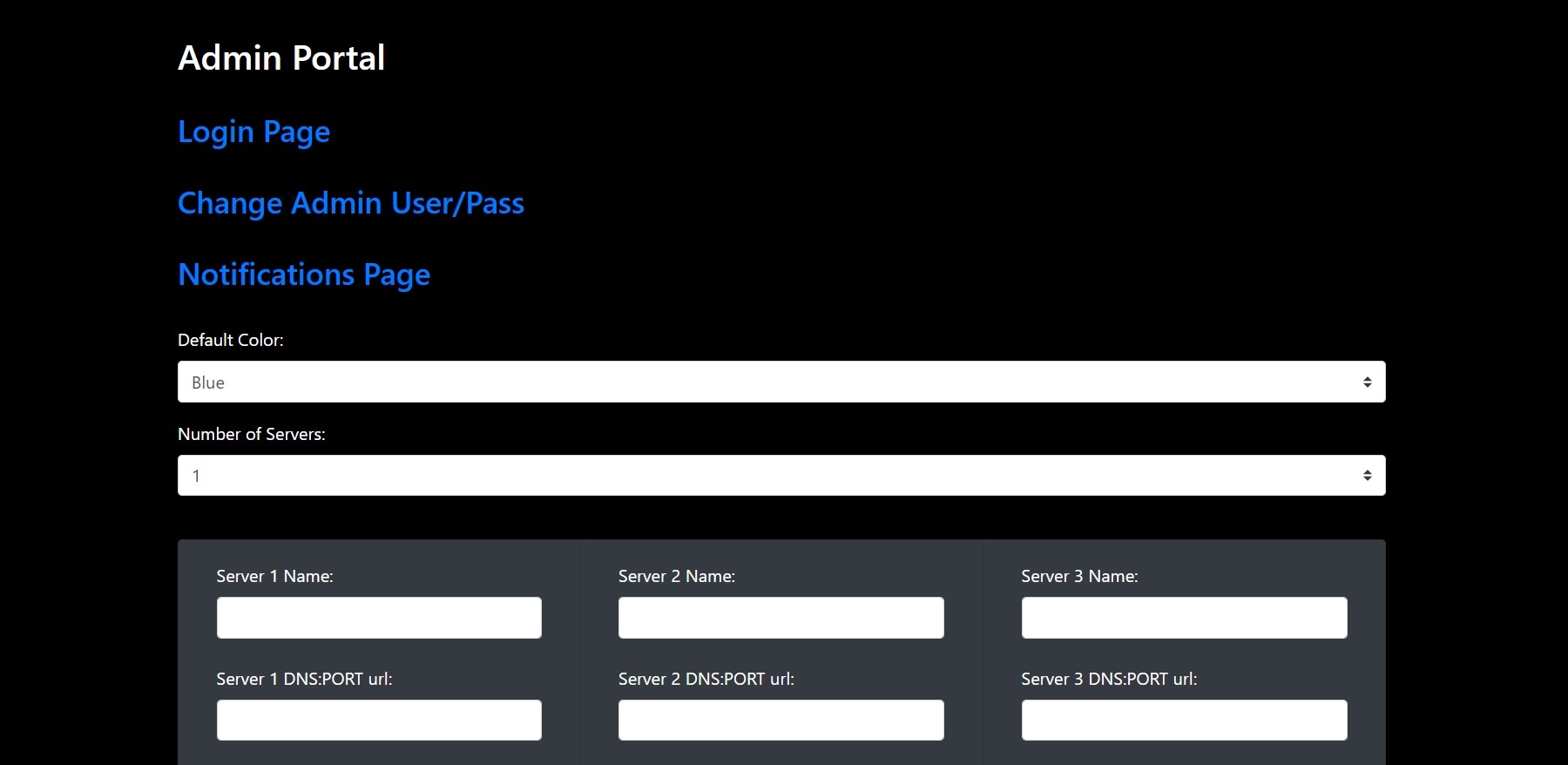
set up the webplayer from inside the admin area
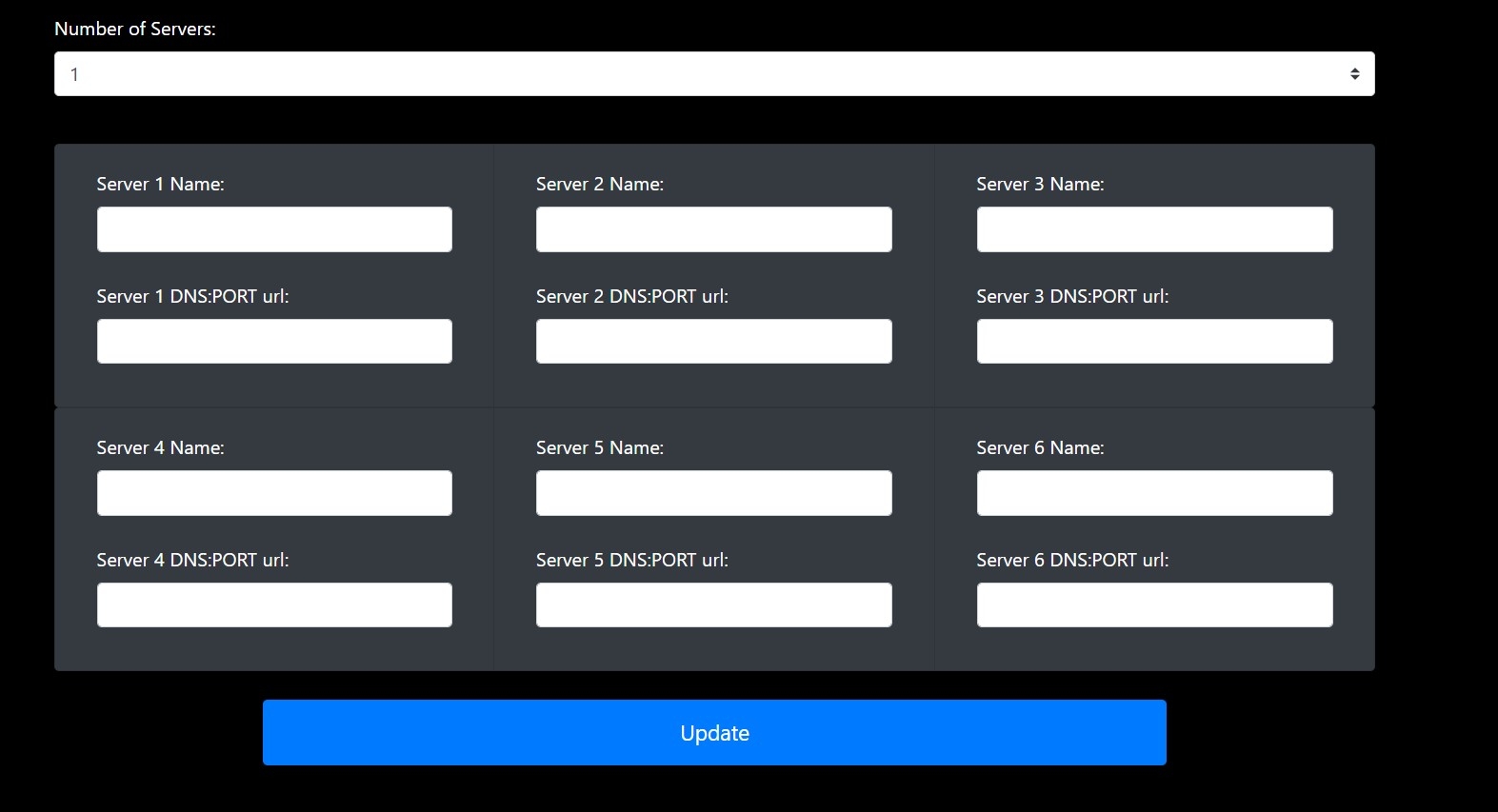
select the number of services you want from 1 to 6
add the service names and dns for each
set your prefered theme colour
set your announcement that will be displayed in the web player
remember to change the admin user/pass log out
now on login screen you have a dropdown to select the service pick one and log in
to get back to the admin panel just log out and log in with the admin login