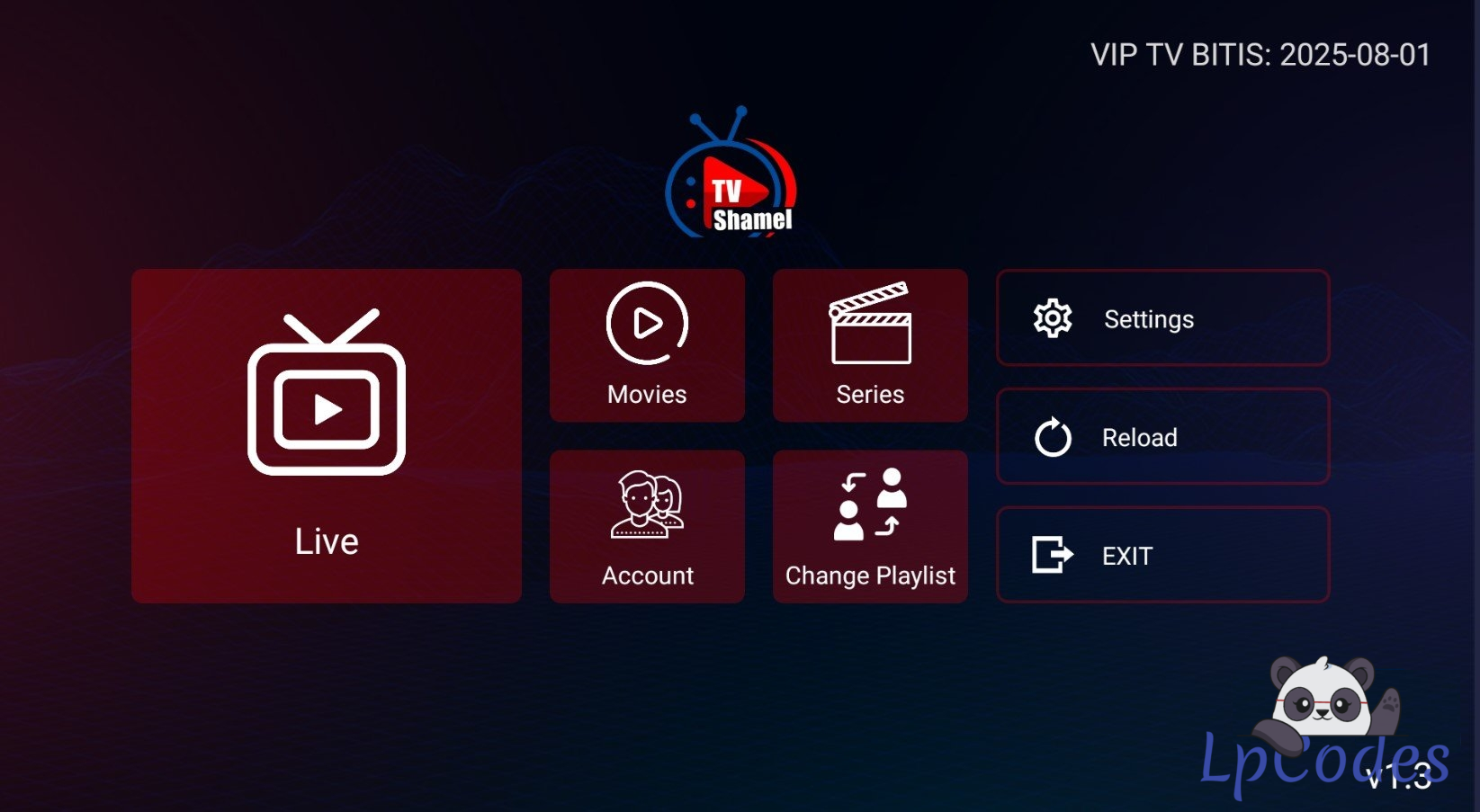
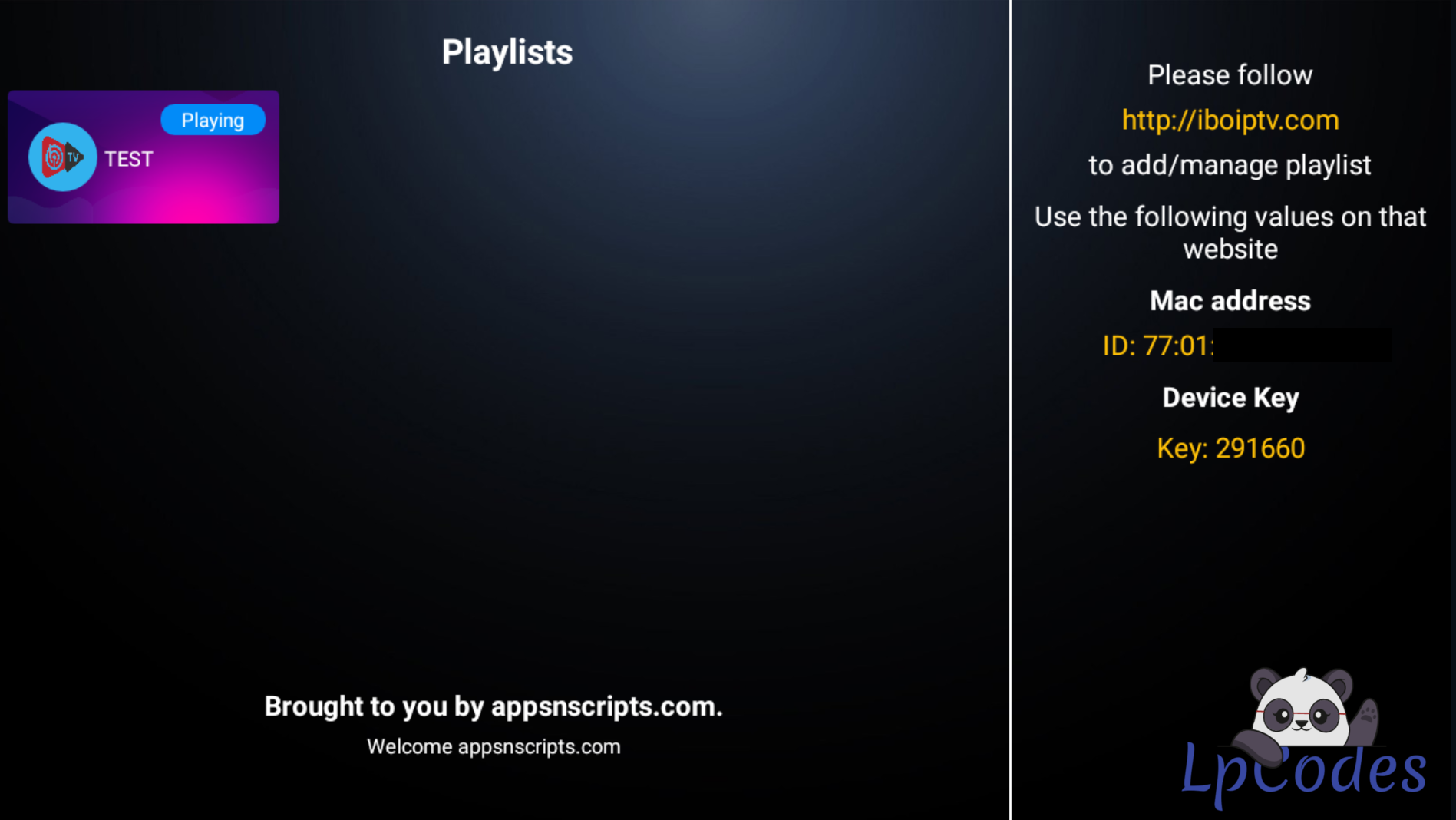
Before uploading your PANEL to your HOSTING, watch the tutorial: "Tutorial configurar PAGAMENTO no Ibo 09 Temas qpanel.mp4" (How to configure PAYMENT in Ibo 09 Themes qpanel).
1 – Upload the file Upload the file "Painel Ibo 09 Temas Dns Mass Pag Qpanel Automatico Chat.zip" to your hosting. Simply upload the .zip file and extract it.
Note: Set your PHP VERSION to 7.2 ea or 7.4 ea.
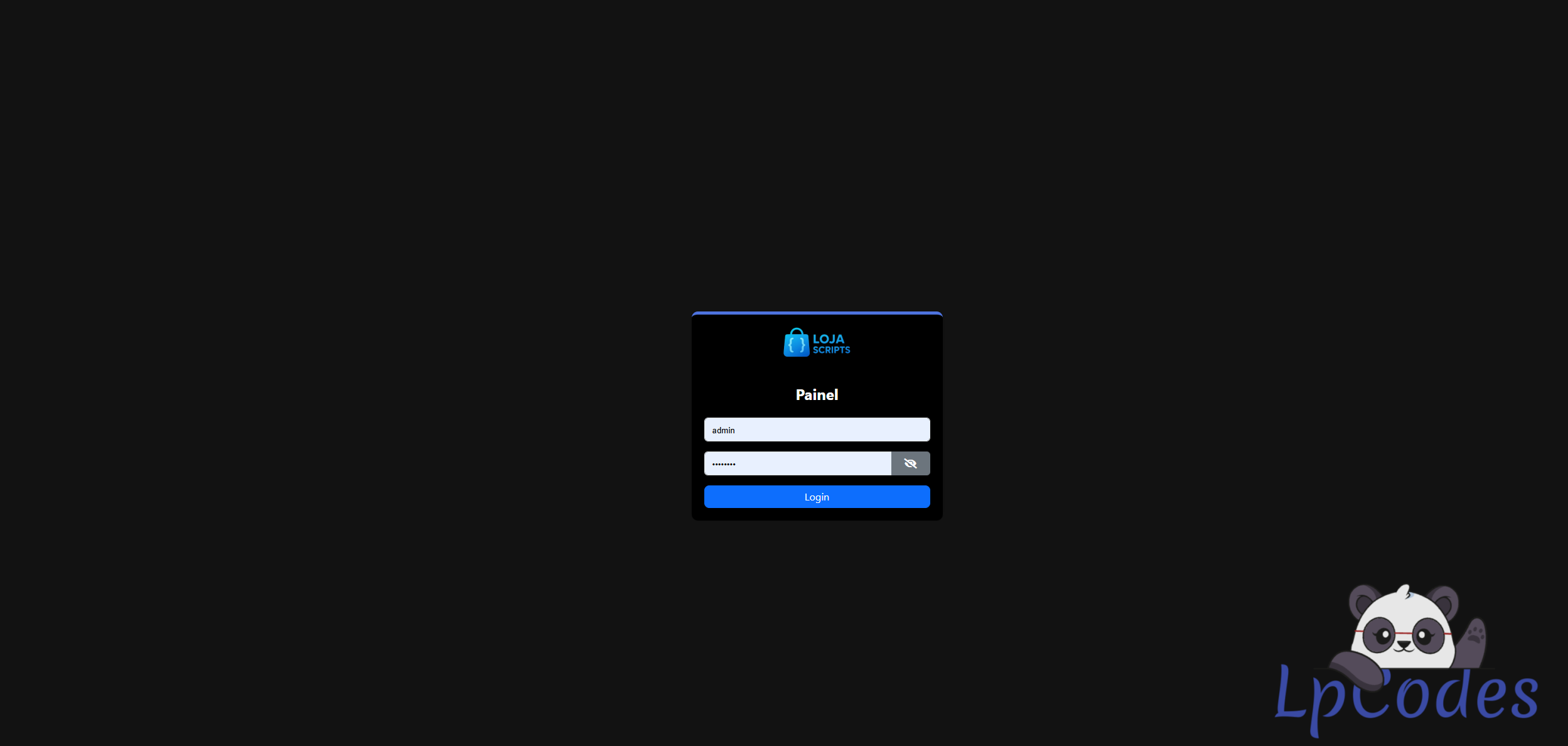
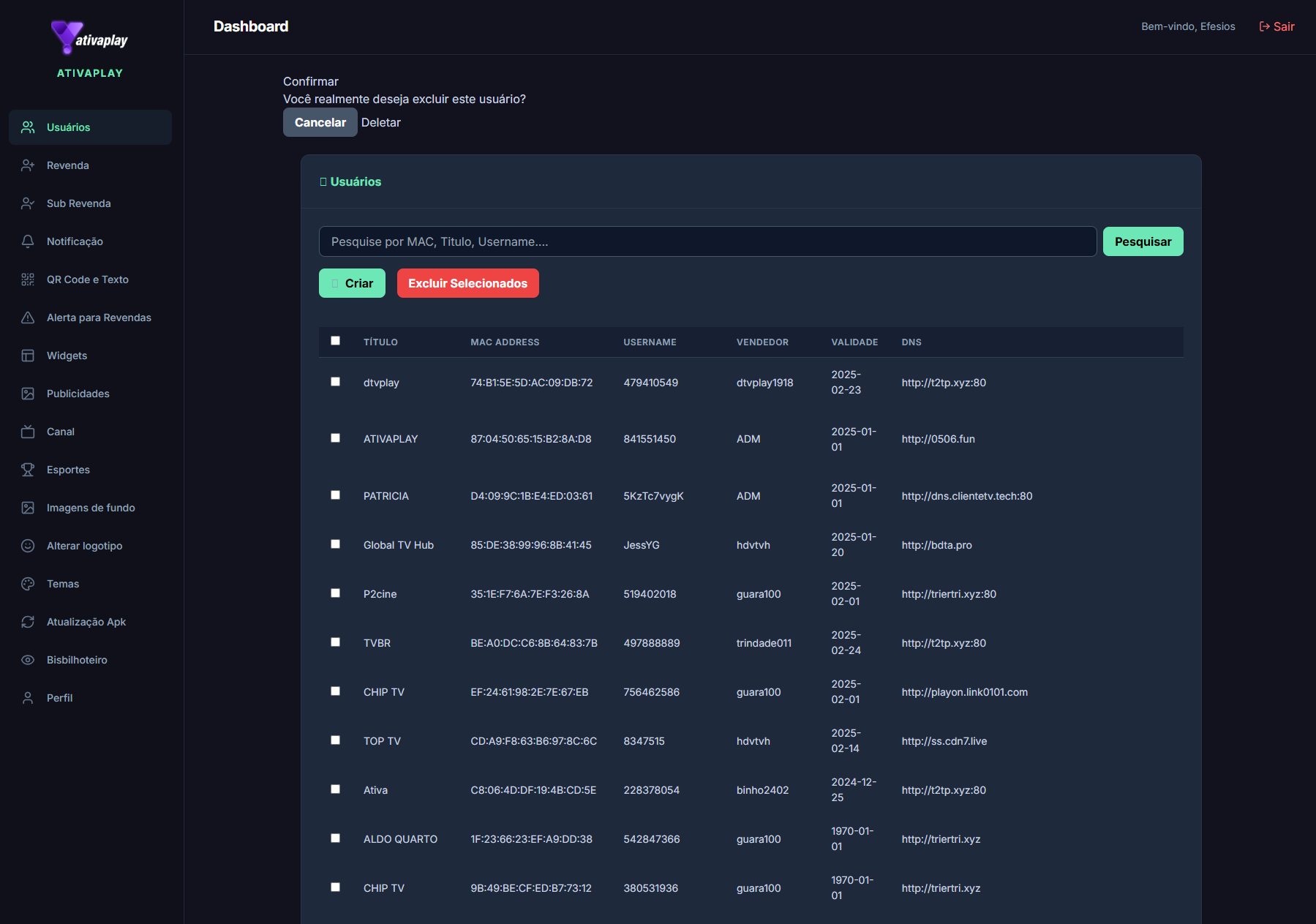
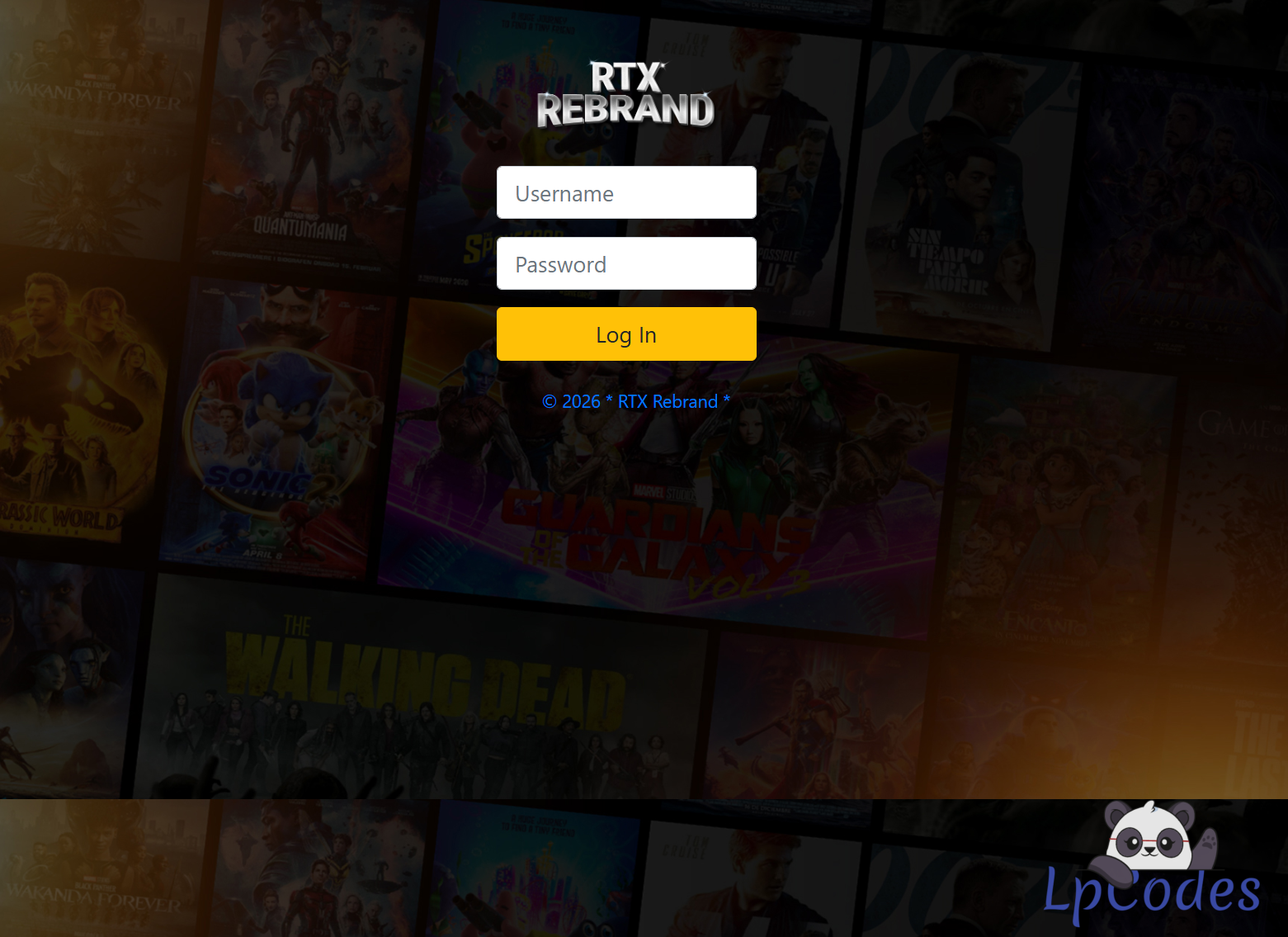
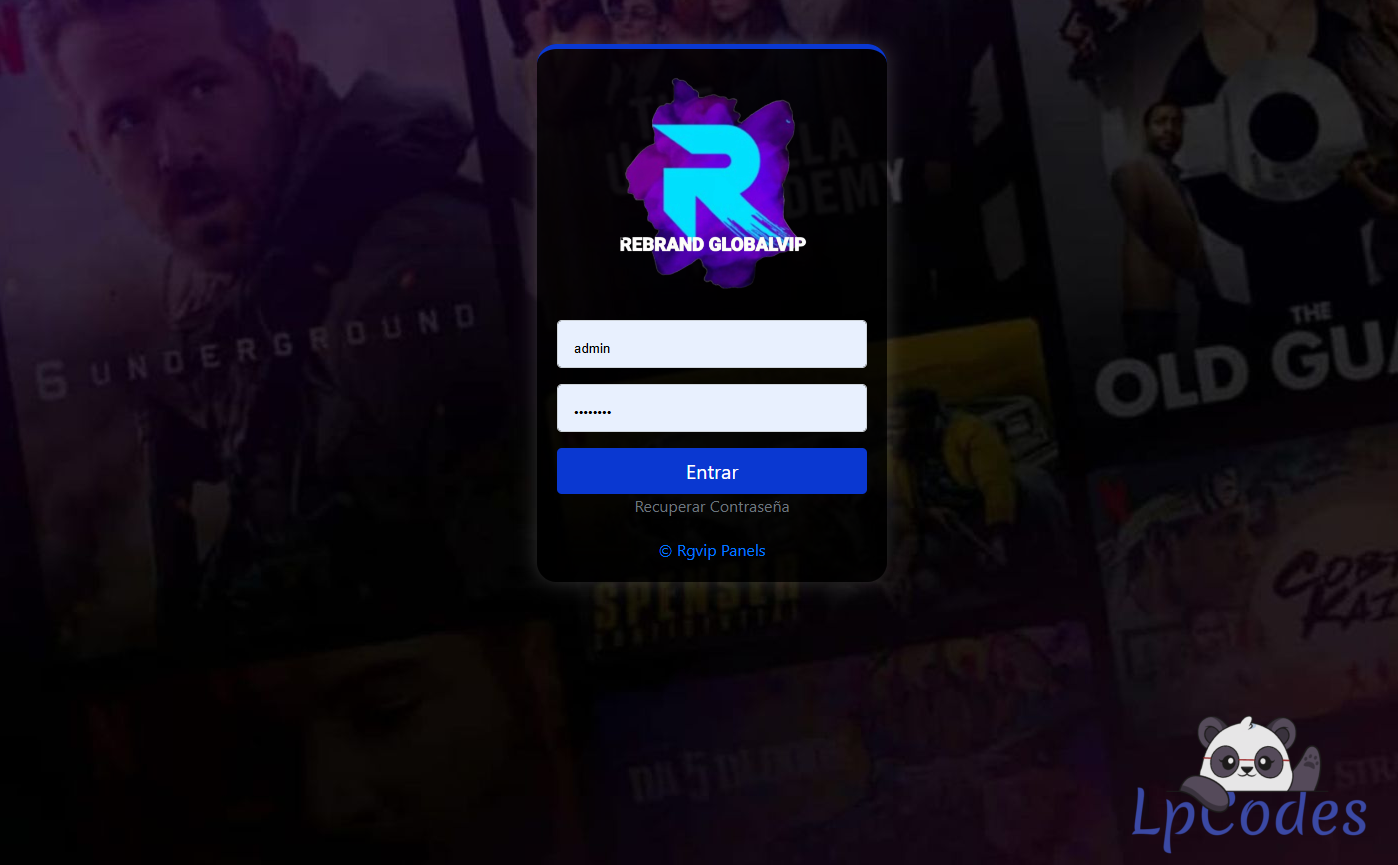
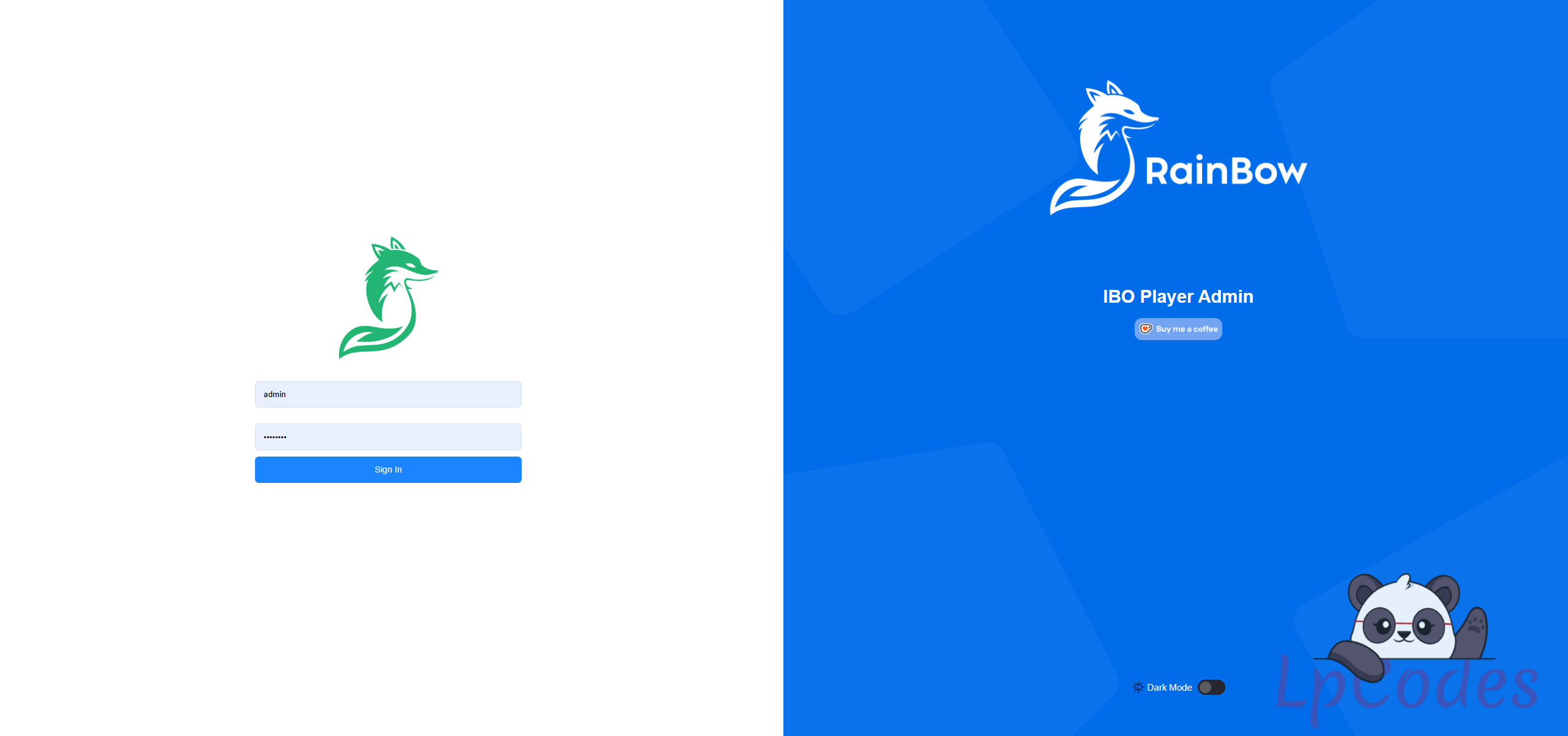
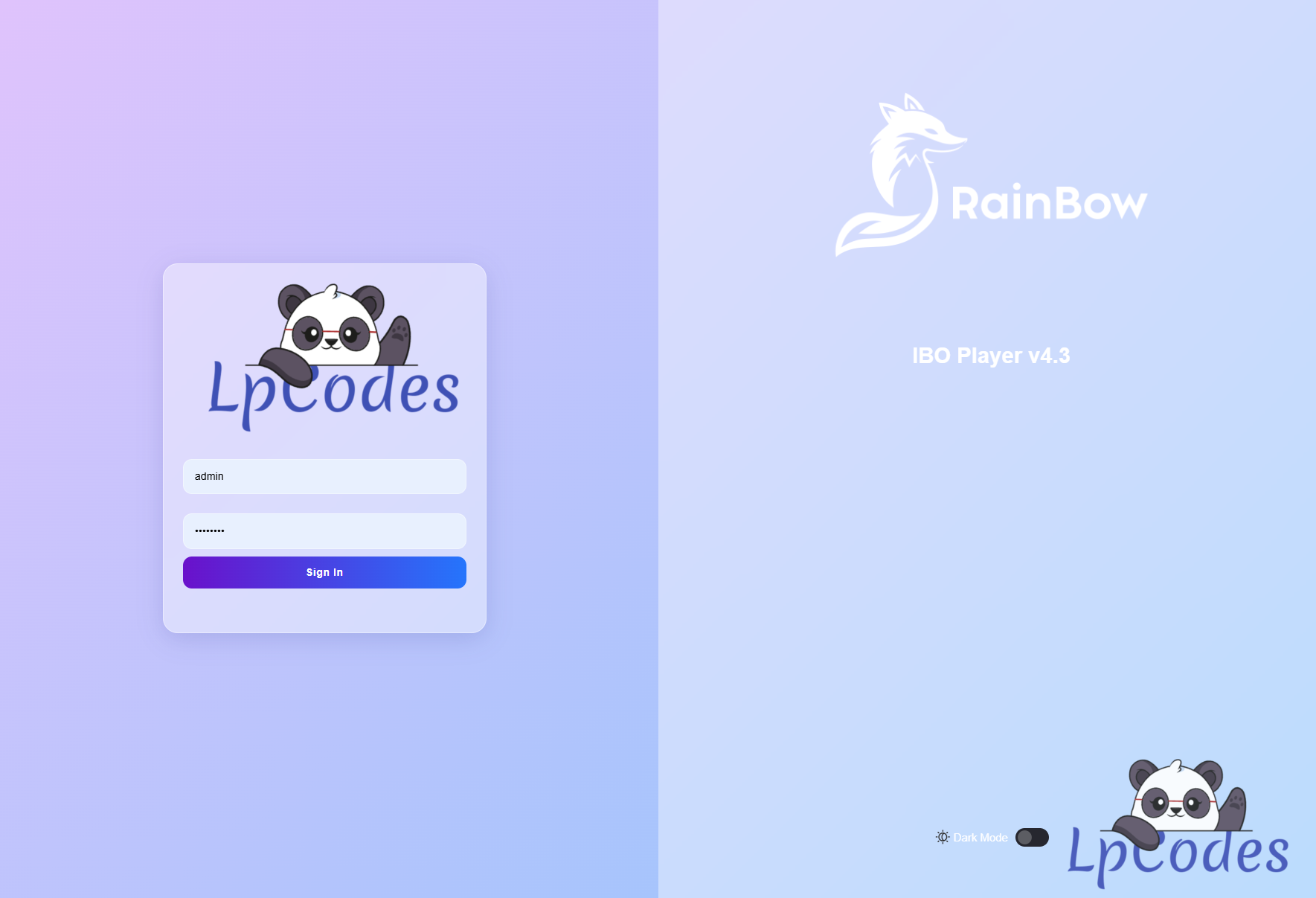
2 – Access the Admin Panel Example: https://yourdomain.com/yourfolder/login.php
USER: admin
PASSWORD: admin / 2408
3 – Edit the IBO PRO APK Use APK Editor to modify the app. If you don't have it, it is located in the TUTORIAL folder.
Search for: ibo09temas.apktop.com.br/
Replace with your URL, e.g.: https://yourdomain.com/yourfolder/
(DO NOT MODIFY ANY OTHER CHARACTERS)