Tivimate Panel and APK Application
Tivimate reseller panel and apk builder
August 20, 2026
Tivi Rebrand Panel v1.18
Overview
Tivi Rebrand Panel is a cPanel/PHP management and APK builder system for creating individually branded TiviMate-based Android TV applications.
The panel supports a main Administrator account plus separate Reseller accounts. Each eligible account has its own App Builder, branding, API token, DNS connections, generated APK, and download access.
The system is designed so resellers can prepare their branding first and generate an APK only when they are ready.
Administrator Features
The Administrator can:
Manage the main panel.
Create and manage reseller accounts.
Build an APK for the Administrator account.
Manage reseller APKs for support purposes.
Manage account DNS connections.
View and manage account-specific branding.
Generate or regenerate API tokens.
Download generated APKs.
Configure Android APK signing.
The Administrator remains the panel superuser.
Reseller Accounts
Each reseller has an isolated account.
A reseller can:
Sign in to their own panel account.
Use their own App Builder.
Configure their own app branding.
Build only their own APK.
Download only their own APK.
Use their own API token.
Manage only their own DNS connections.
Rebuild their APK whenever branding or connection settings change.
Reseller A cannot access Reseller B's:
APK Builder
APK download
branding
build job
build log
API token
DNS connections
Resellers also cannot access the Administrator APK.
Manual APK Building
Creating a reseller does not automatically generate an APK.
Recommended workflow:
Create the reseller.
Configure the reseller's DNS connection.
Open App Builder.
Configure branding.
Upload branding images.
Save branding.
Click Generate when ready.
Wait for the build to reach 100%.
Download the completed APK.
Saving branding does not automatically start a build.
Regenerating an API token does not automatically start a build.
APK Build Status
The App Builder includes live build progress.
A successful build:
Reaches 100%.
Changes to Completed.
Stops automatically.
Does not start a second build.
Makes the APK download available.
Clears the successful build console/log automatically.
A failed build:
Stops with a failed status.
Keeps the build log visible.
Keeps diagnostic output available for troubleshooting.
The build workflow uses Post/Redirect/Get handling so refreshing the browser cannot accidentally repeat a Generate/Rebuild request.
Account-Specific APKs
Every Administrator or Reseller APK is generated separately.
Each APK is associated with:
account user ID
account API token
account branding
account DNS configuration
Generated APK files use account-specific output paths and token fingerprints.
API Tokens
Every Administrator and Reseller has an independent API token.
The token is injected into that account's APK during the build.
The APK uses the token to connect back to the panel API. The API resolves the token to the correct account and returns only data belonging to that account.
Example:
Admin APK -> Admin token -> Admin DNS
Reseller A APK -> Token A -> Reseller A DNS
Reseller B APK -> Token B -> Reseller B DNS
Tokens are not intentionally shared between accounts.
DNS Isolation
DNS connections are account-specific.
For resellers:
DNS entries are restricted to the logged-in reseller.
A reseller cannot view another reseller's DNS.
A reseller cannot edit another reseller's DNS.
A reseller cannot delete another reseller's DNS.
A reseller cannot assign DNS to another account.
Changing IDs manually in a URL does not grant cross-account access.
Changing submitted user IDs does not grant cross-account access.
For the API:
A valid account token returns only active DNS entries belonging to that account.
Requests without a valid account token return no DNS entries.
The old public/global DNS fallback is disabled.
The Administrator can still manage account DNS assignments for support.
App Builder
App Name
The App Builder can change the application name used in the generated APK.
Welcome Message
A custom welcome message can be configured for the connection/welcome screen.
The old Android launch Toast popup has been removed. The normal configurable welcome message remains available inside the app interface.
Full App Colour Palette
The builder supports five main colour controls:
Primary
Secondary
Background
Panels / Surfaces
Text
Each colour can be selected with a colour picker or entered directly as a hexadecimal value.
Example:
#7C3AED
The colour picker and hexadecimal field stay synchronized.
The builder remaps TiviMate XML resources to the selected palette while retaining transparency where applicable.
Colour remapping covers resources including:
colors
styles
selectors
vector drawables
layouts
The main TiviMate accent maps to Primary, while supporting accent colours map to Secondary.
Branding Images
Branding images are account-specific and uploaded individually.
The App Builder shows a preview of the exact normalized image that the next APK build will use.
Supported upload formats:
PNG
JPG / JPEG
WebP
The panel currently expects up to 8 MB per branding image, subject to server/PHP limits.
Images are converted internally to PNG for Android resources.
1. App Icon
Final size:
447 x 447
Controls the Android launcher/application icon.
The panel automatically:
preserves aspect ratio
fits artwork inside the required canvas
avoids stretching
adds transparent padding when required
The App Icon is separate from the logo displayed inside the TiviMate navigation menu.
2. In-App Navigation Logo
Final size:
480 x 120
Replaces the original TiviMate wordmark shown inside the app's navigation area.
It is independent from:
App Icon
Android TV Banner
The builder keeps the original view IDs expected by TiviMate while hiding the original wordmark pieces and displaying the uploaded logo.
3. Android TV Launcher Banner
Final size:
320 x 180
Used for Android TV / TV launcher presentation.
It is independent from:
App Icon
In-App Navigation Logo
The builder links the banner to the Android application and TV launcher activity.
4. Welcome Screen Background
Final size:
1920 x 1080
Controls the background shown on the connection/welcome screen.
The Welcome Background is independent from the TV Guide Background.
The builder preserves the complete uploaded artwork instead of centre-cropping it.
This helps keep visible:
logos
slogans
text at the bottom
text near the edges
The TiviMate background ImageView is changed from centerCrop to fitCenter so the full image remains visible on different screen shapes.
5. TV Guide Background
Final size:
1920 x 1080
Controls the background behind the TV guide/channels interface.
It is independent from the Welcome Screen Background.
The builder preserves the complete image instead of cropping the edges.
Individual Image Uploads
Brand images are uploaded one at a time.
This helps prevent large combined form submissions from exceeding PHP/cPanel post_max_size and silently leaving an older image in place.
For every image field, the panel provides:
image selection
Upload this image
saved-image preview
Reset image
The preview represents the normalized image that will be used by the next build.
Image Normalization
Final resource sizes:
Branding Item
Final Size
App Icon
447 x 447
In-App Navigation Logo
480 x 120
Android TV Banner
320 x 180
Welcome Screen Background
1920 x 1080
TV Guide Background
1920 x 1080
Icons and logos are fitted while preserving aspect ratio.
Backgrounds are fitted so the complete artwork remains visible.
APK Resource Verification
Where supported by the PHP environment, the builder verifies branding resources after the APK is compiled.
This includes:
App Icon
In-App Navigation Logo
Android TV Banner
Welcome Background
TV Guide Background
The goal is to prevent a build from reporting success while containing stale branding artwork.
APK Signing
The panel supports Android APK signing configuration.
Generated applications use the configured signing keystore.
Accounts can share the Administrator-configured signing key while still having separate:
APKs
tokens
branding
DNS data
downloads
Sharing the signing key does not share account data.
APK Downloads
APK downloads are protected by account permissions.
Administrators may access APKs for support/management.
Resellers are strictly self-only and cannot obtain another reseller's APK by changing user IDs, download URLs, or legacy reseller relationships.
Branding Migration
The builder supports migration from older branding storage.
Older logo.png branding can migrate into:
App Icon
In-App Navigation Logo
Older background.png branding can migrate into:
Welcome Screen Background
TV Guide Background
After migration, the new fields can be changed independently.
Upgrade Safety
Upgrade-safe panel packages should not contain:
includes/config.php
This prevents an update from overwriting live MySQL credentials.
Always back up the live includes/config.php before performing a panel update.
MySQL Configuration
The panel uses a central MySQL configuration file:
includes/config.php
Typical configuration includes:
MySQL host
database username
database password
database name
utf8mb4 charset
On many cPanel systems the database hostname is localhost, but the correct value must match the hosting provider.
Recommended Server Requirements
The panel requires a hosting environment capable of running PHP and MySQL/MariaDB.
The APK builder also requires the tools configured by the panel, including:
PHP
Java
APKTool
Android signing tools / keystore
writable private build directories
For image processing, PHP GD or Imagick is recommended.
Recommended Build Workflow
For the Administrator or a Reseller:
Sign in.
Configure the account DNS.
Open App Builder.
Set the App Name.
Set the Welcome Message.
Configure the five colour values.
Upload the App Icon.
Upload the In-App Navigation Logo.
Upload the Android TV Banner.
Upload the Welcome Screen Background.
Upload the TV Guide Background.
Confirm all image previews.
Save branding.
Click Generate/Rebuild.
Wait for 100% Completed.
Download the APK.
Install and test the APK on Android TV / Fire TV / emulator.
If a build fails, review the retained build log before rebuilding.
Security / Account Model
Each account has its own:
credentials
API token
DNS records
branding
App Builder target
generated APK
APK download
Resellers cannot use the panel to browse another reseller's account resources.
The Administrator retains superuser access for support and management.
Notes
Existing APKs do not automatically change when panel branding is edited.
After branding, colour, DNS, token, or resource changes, rebuild the APK.
Existing installed APKs may need to be uninstalled first if the signing certificate/package combination differs from an older test build.
Android TV launcher banners may not display identically in every Android emulator launcher.
Always verify the final APK on the target Android TV / Fire TV device.
Current Custom Features
Manual reseller APK generation
Account-isolated App Builder
Account-isolated APK downloads
Individual API tokens
Strict DNS isolation
Independent branding images
Automatic image normalization
Live hexadecimal colour controls
Full XML palette remapping
Custom in-app navigation logo
Android TV banner branding
Separate welcome and TV-guide backgrounds
Full-image background fitting
Successful build log auto-clear
Failed build log retention
Terminal 100% build state
Duplicate rebuild prevention
Upgrade-safe configuration handling
Version: Tivi Rebrand Panel v1.18
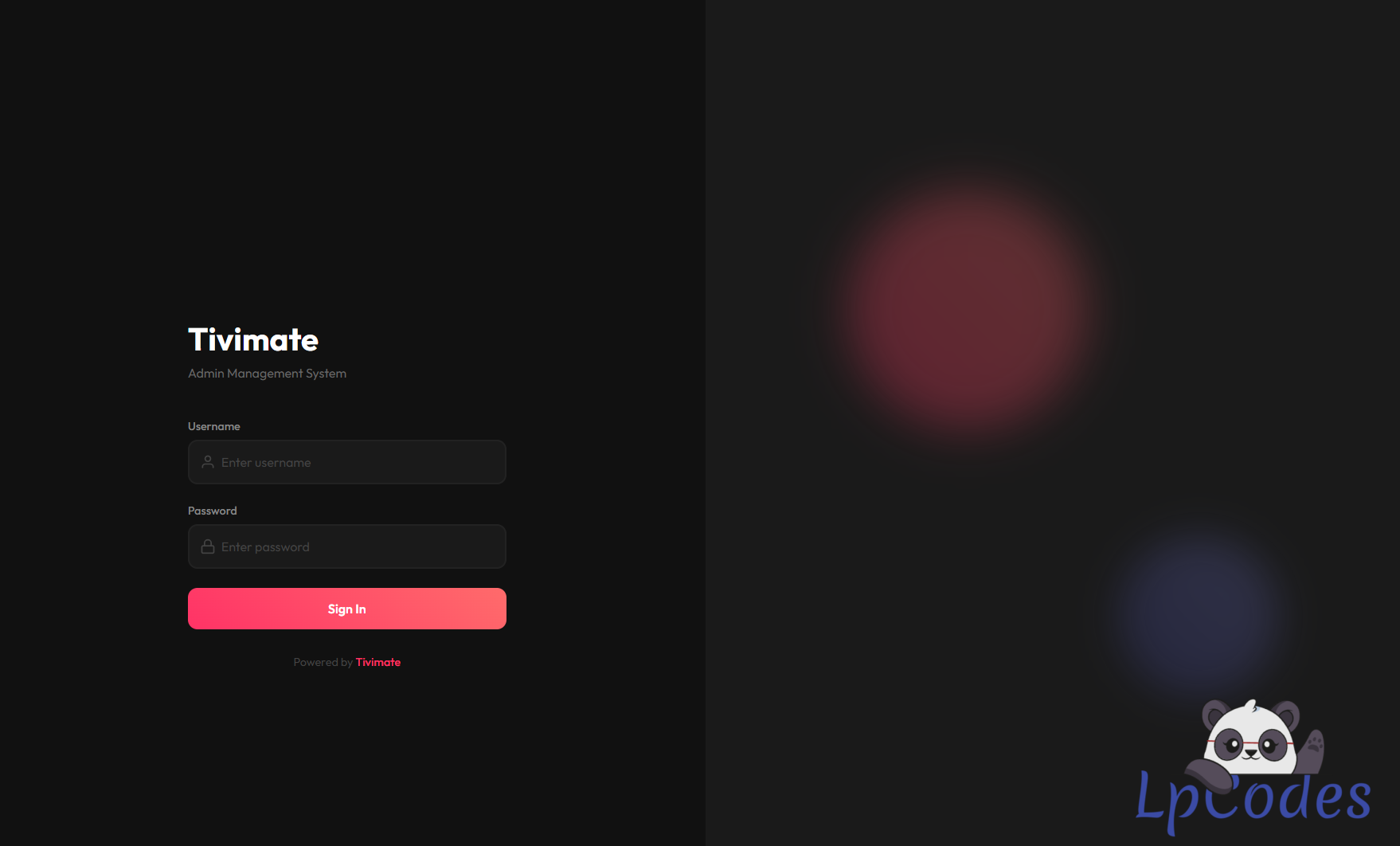
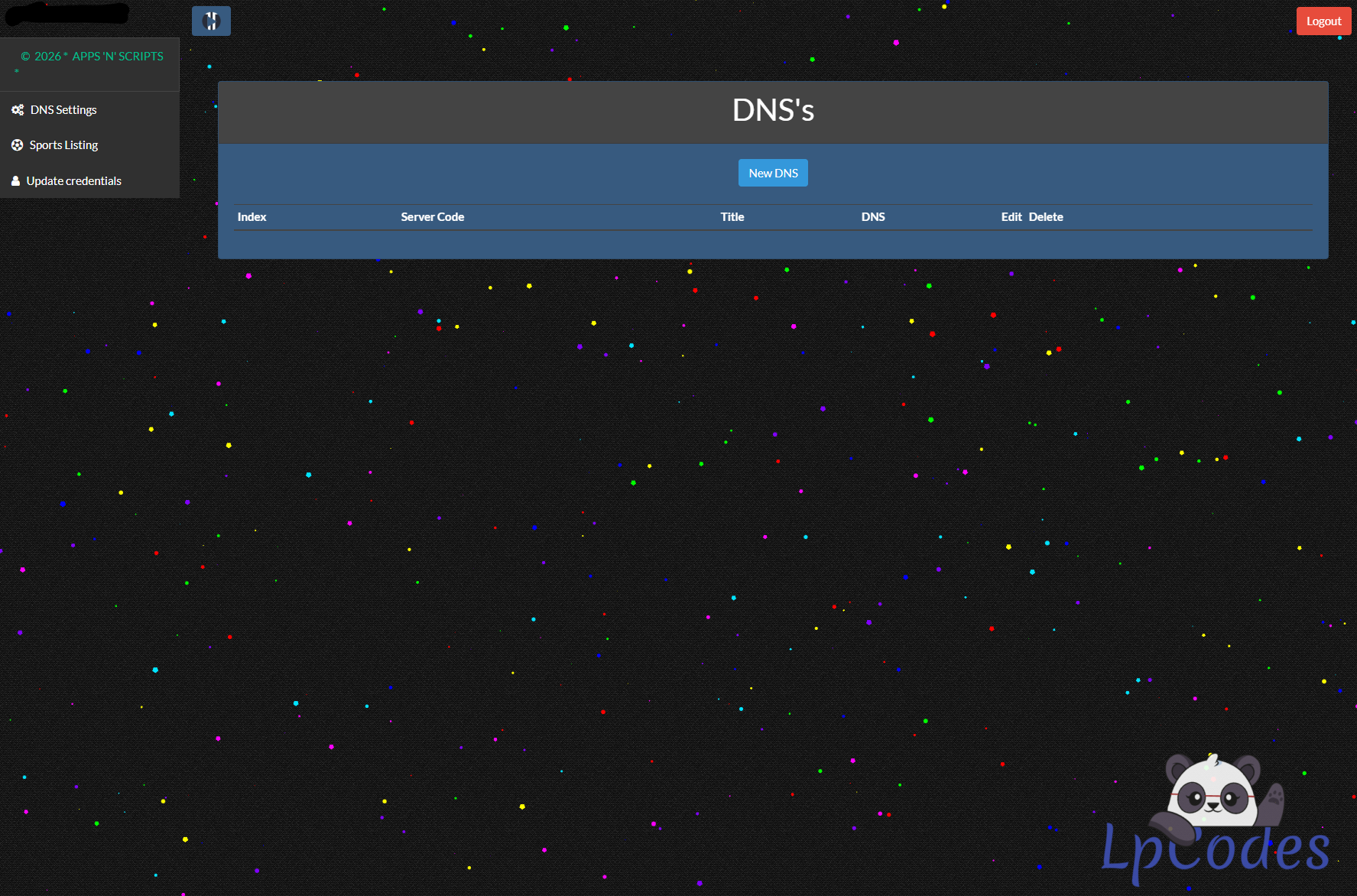
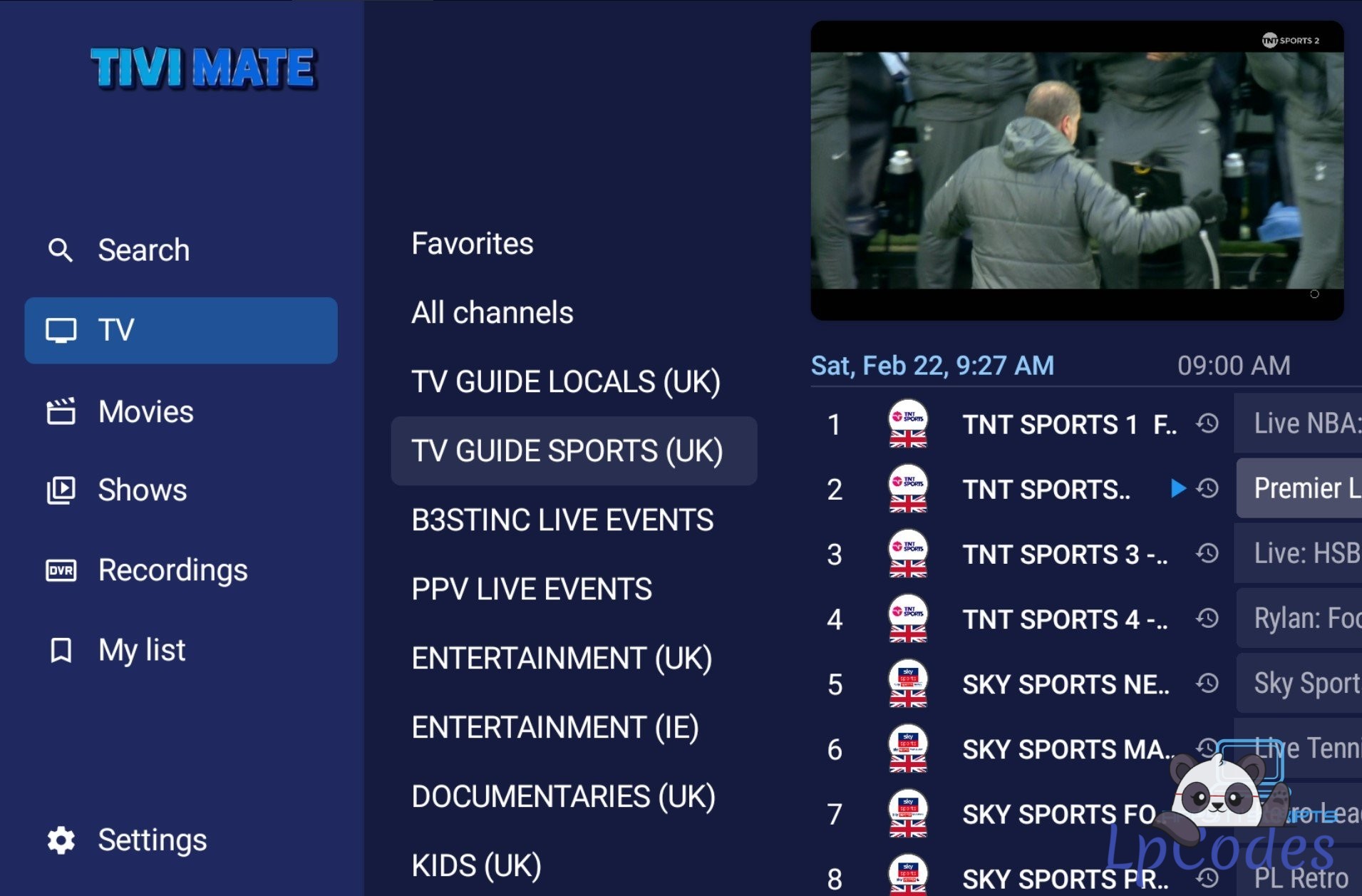
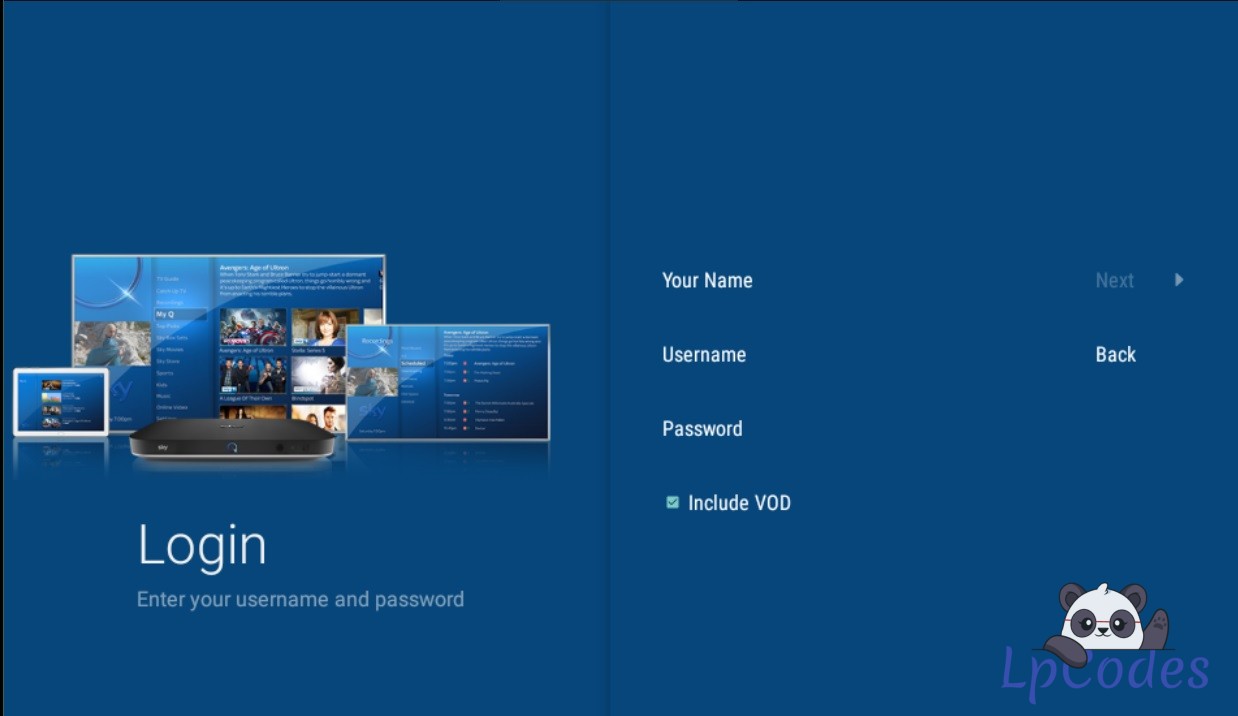
What do you guys think will post images soon.
Related Stories
Tivimate Panel and APK Application
Tivimate 5.3.3 [Paneled]
Aug 10, 2026
Tivimate Panel and APK Application
anyone seen/got the new tivimate from RTX
Jul 29, 2026
Tivimate Panel and APK Application
PWG TIVIMATE 5.1 - Panel
Jan 8, 2026
Tivimate Panel and APK Application
PWG TiviMate-3.99.2 - panel + APK
Jan 8, 2026
Tivimate Panel and APK Application
Tivimate Panel 5.16
Jan 8, 2026
Tivimate Panel and APK Application
TiviMate-3.99.2_v2 + panel
Jan 4, 2026
Tivimate Panel and APK Application
Tivimate 5 panel + apk
Dec 27, 2025
Tivimate Panel and APK Application
Tivimate SkyQ Hardcoded v2.1.5 - Dns Only
Dec 27, 2025
Tivimate Panel and APK Application
Tivimate 5.1.0 rv5 No Check App for Panel
Dec 14, 2025
Tivimate Panel and APK Application
TiviMate 5.1.6 app + Panel
Dec 12, 2025
Tivimate Panel and APK Application
Tivimate version 3.9.9 with panel – Multi DNS
Dec 11, 2025