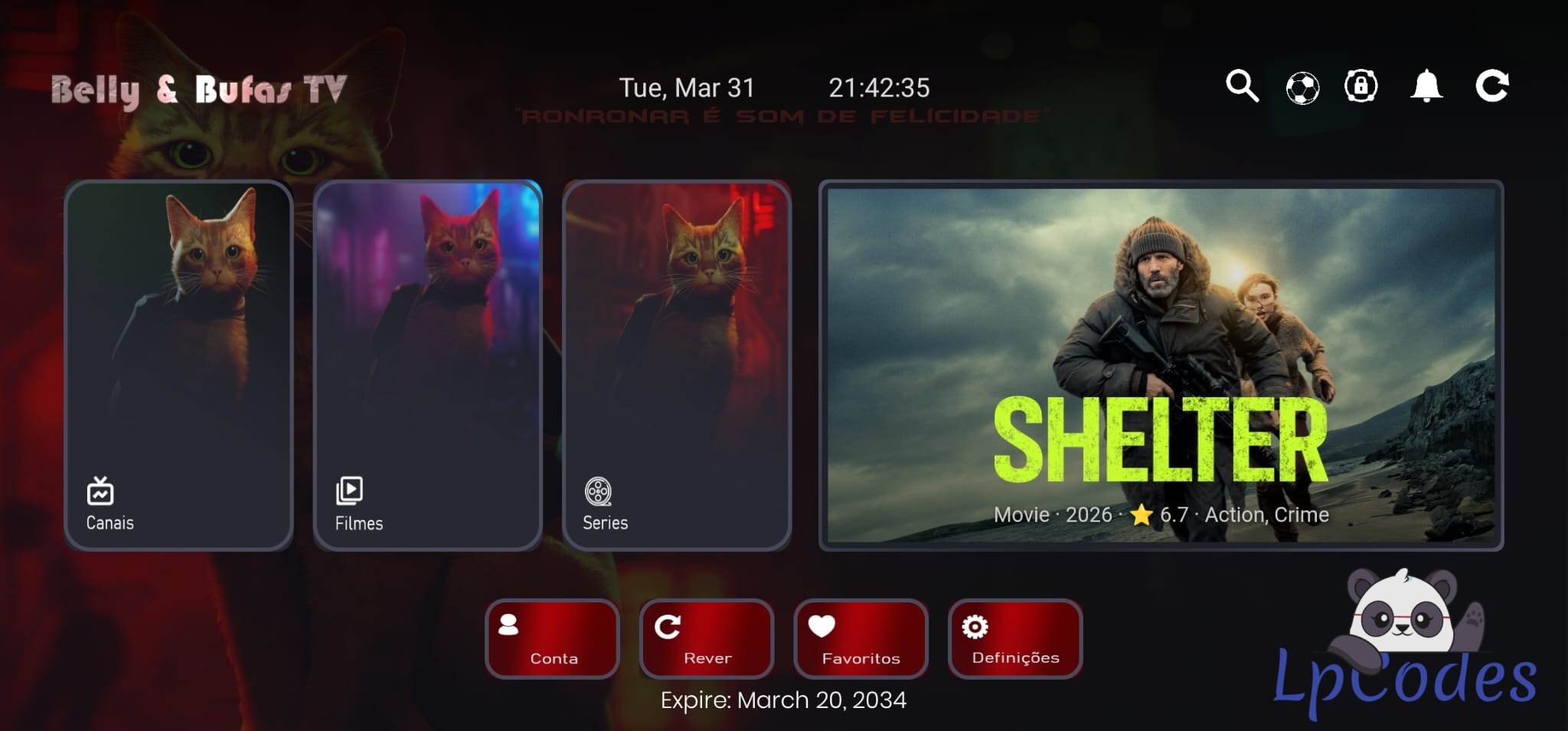
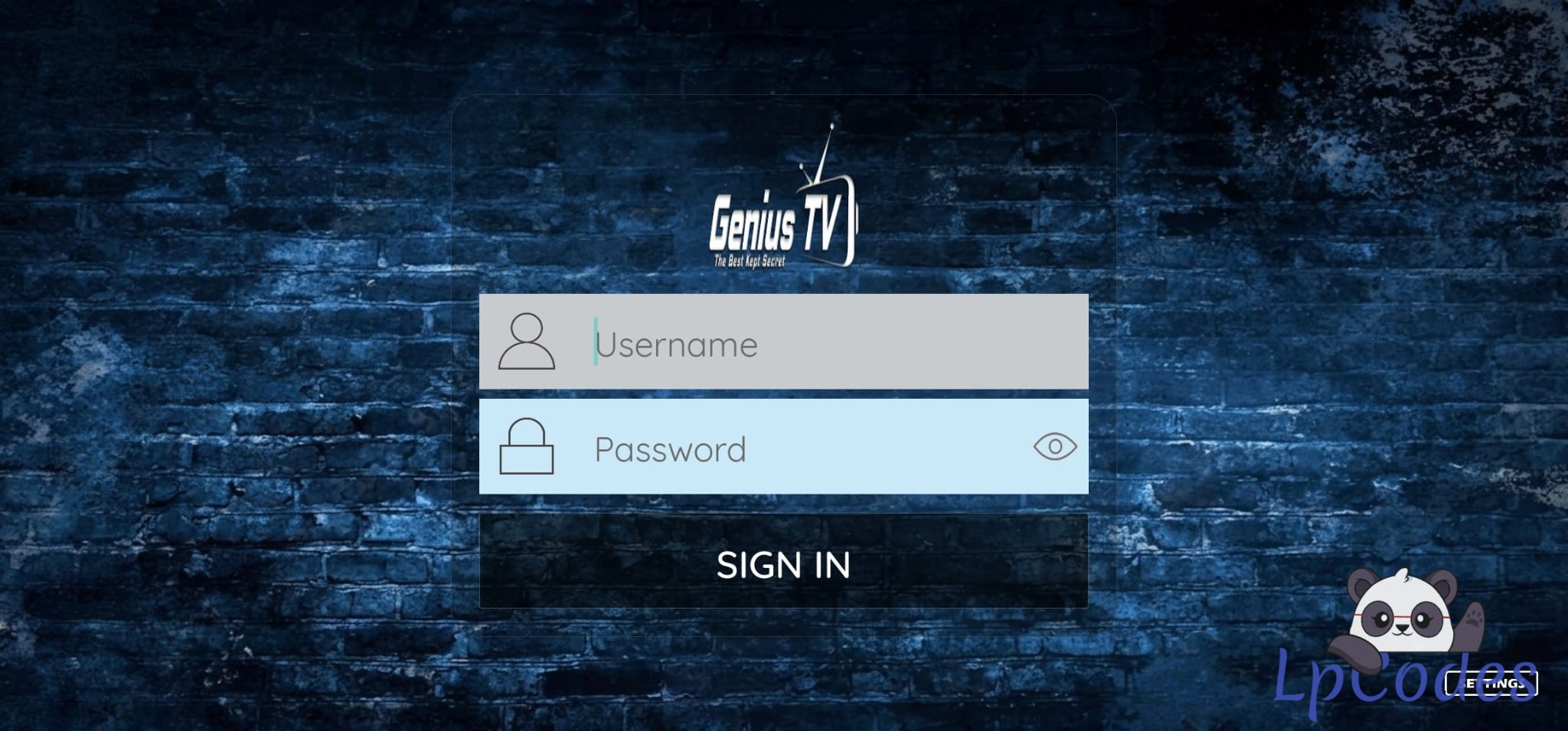
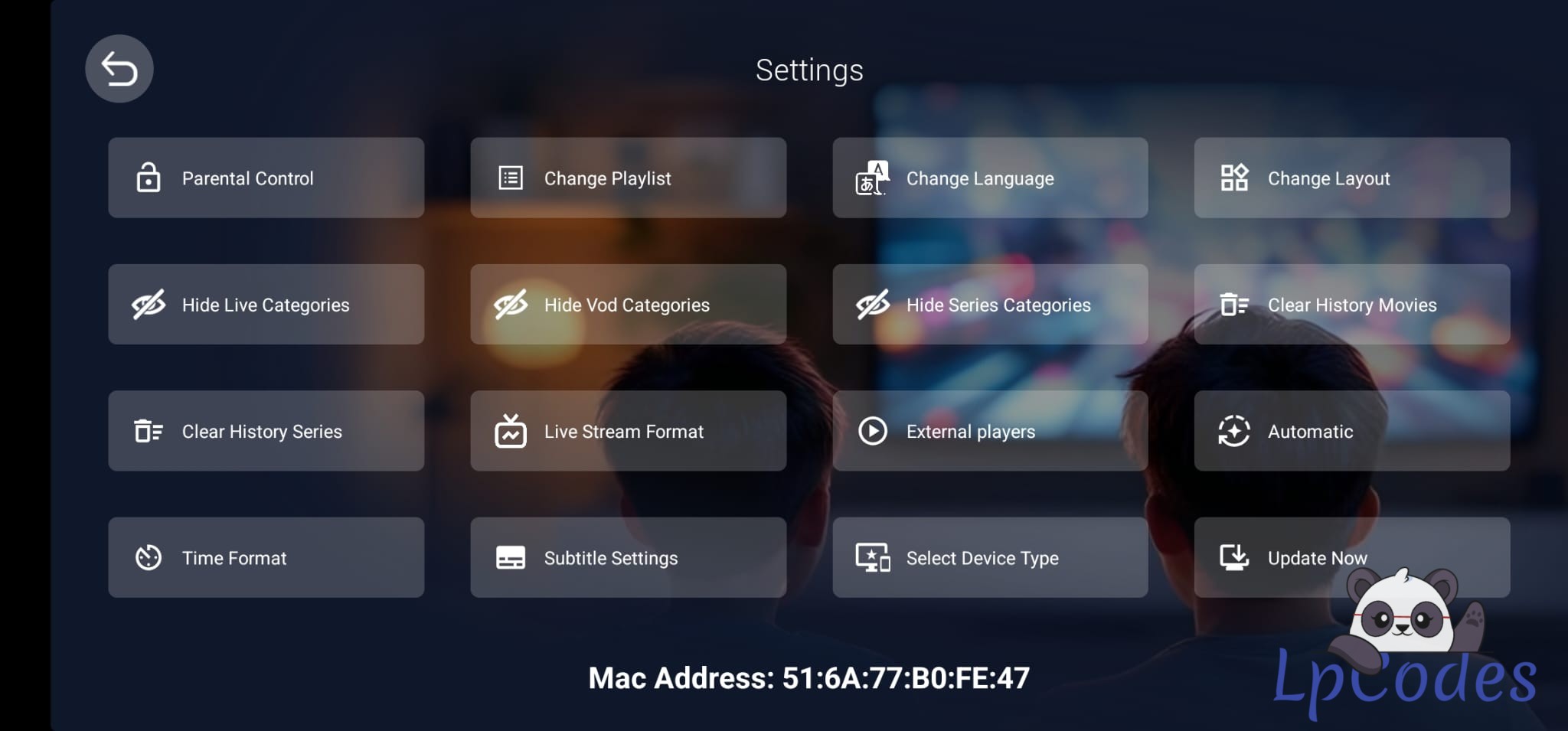
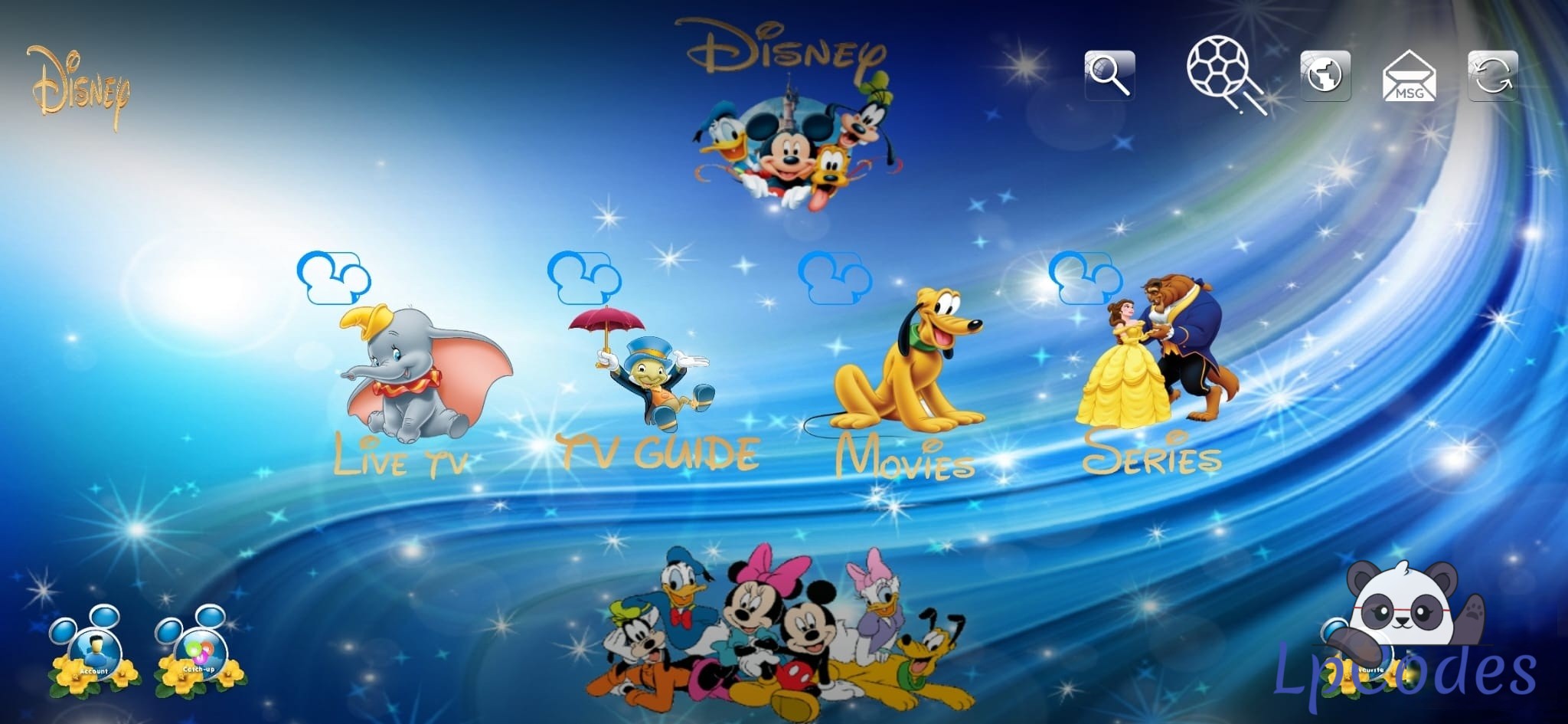
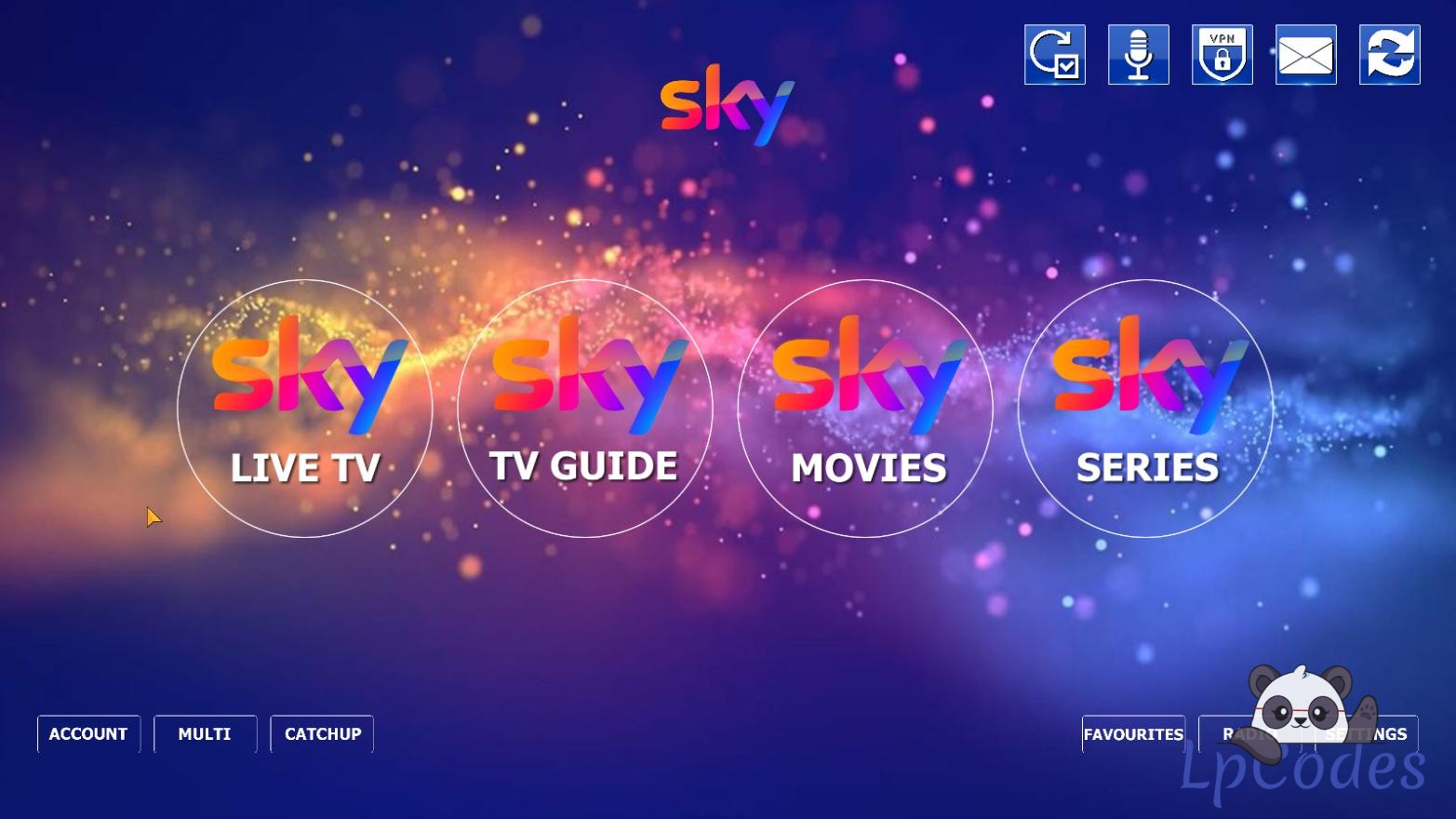
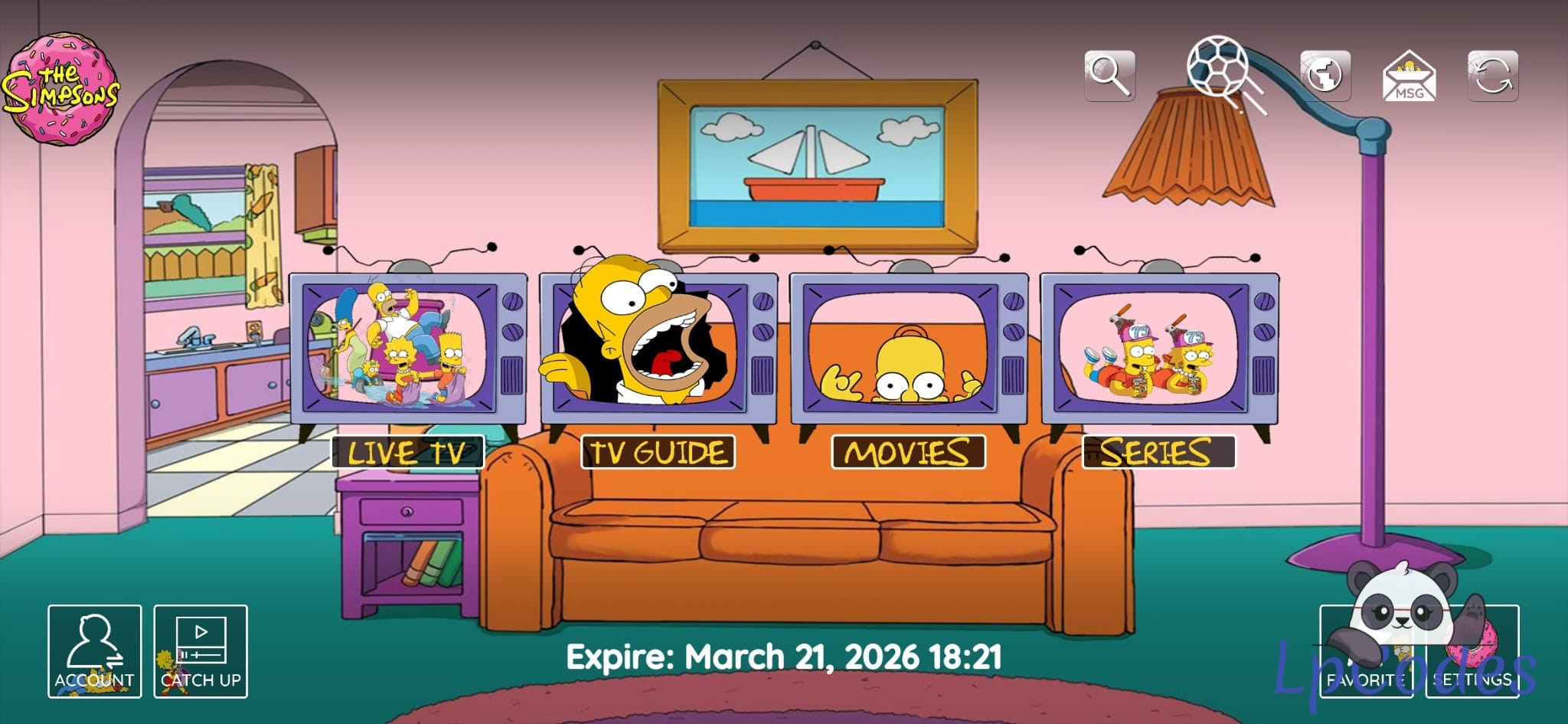
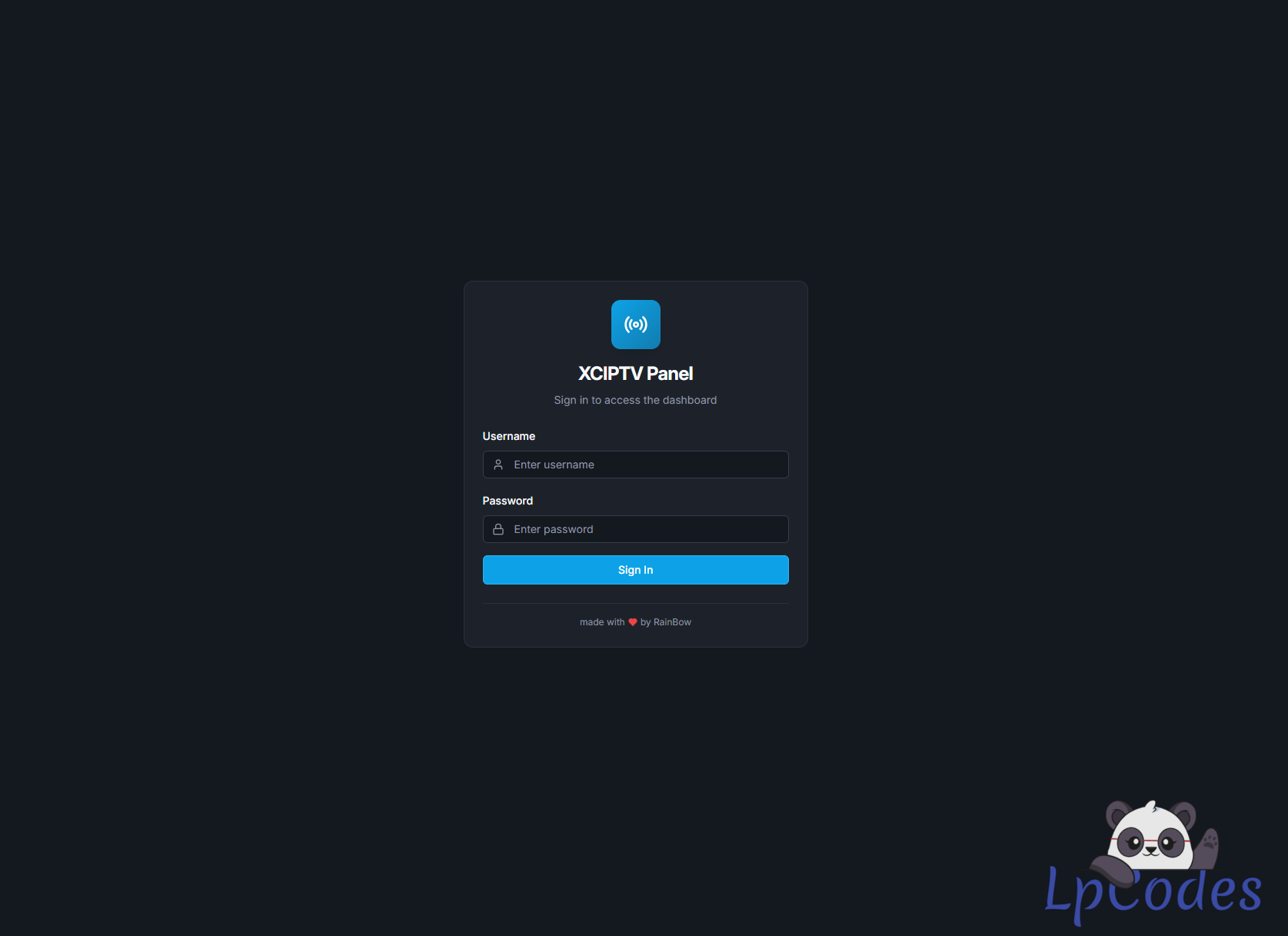
The app provided has been reduced & modified to work perfectly with the panel and as a BASE App.
I will be releasing addons, widgets and various theme packs & skins soon.
I will also provide update files with additions & improvements as and when available.
The panel, I have been through completely and found a number of bugs which have now been fixed.
I have also modified the panel where necessary to get all the functions working correctly.
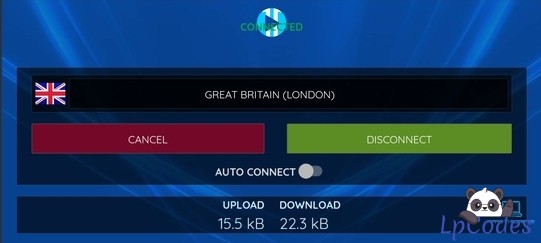
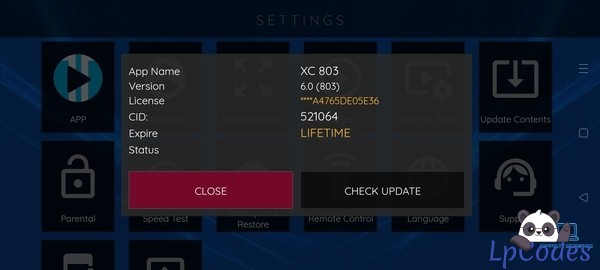
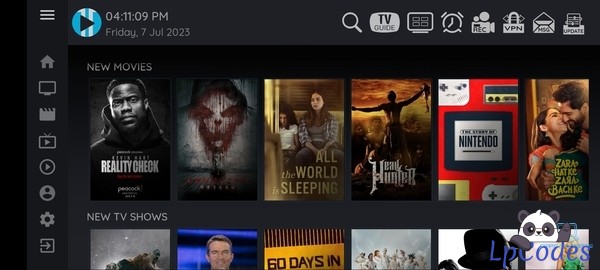
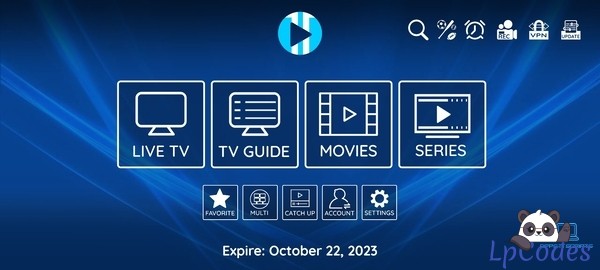
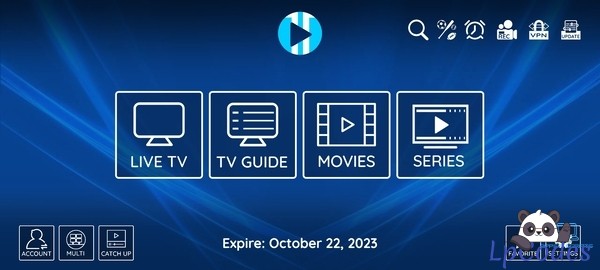
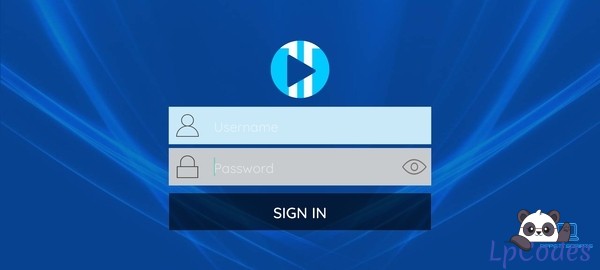
Instructions:
1. Download the zip folder and extract. You will find the XC803 apk, a zip folder containing the panel and a copy of the default XCIPTV intro video.
2. Don't extract the zipped panel folder first! Upload this zip folder to your host / server and extract. Then simply navigate to https://yourhost/dir/UltimateXC
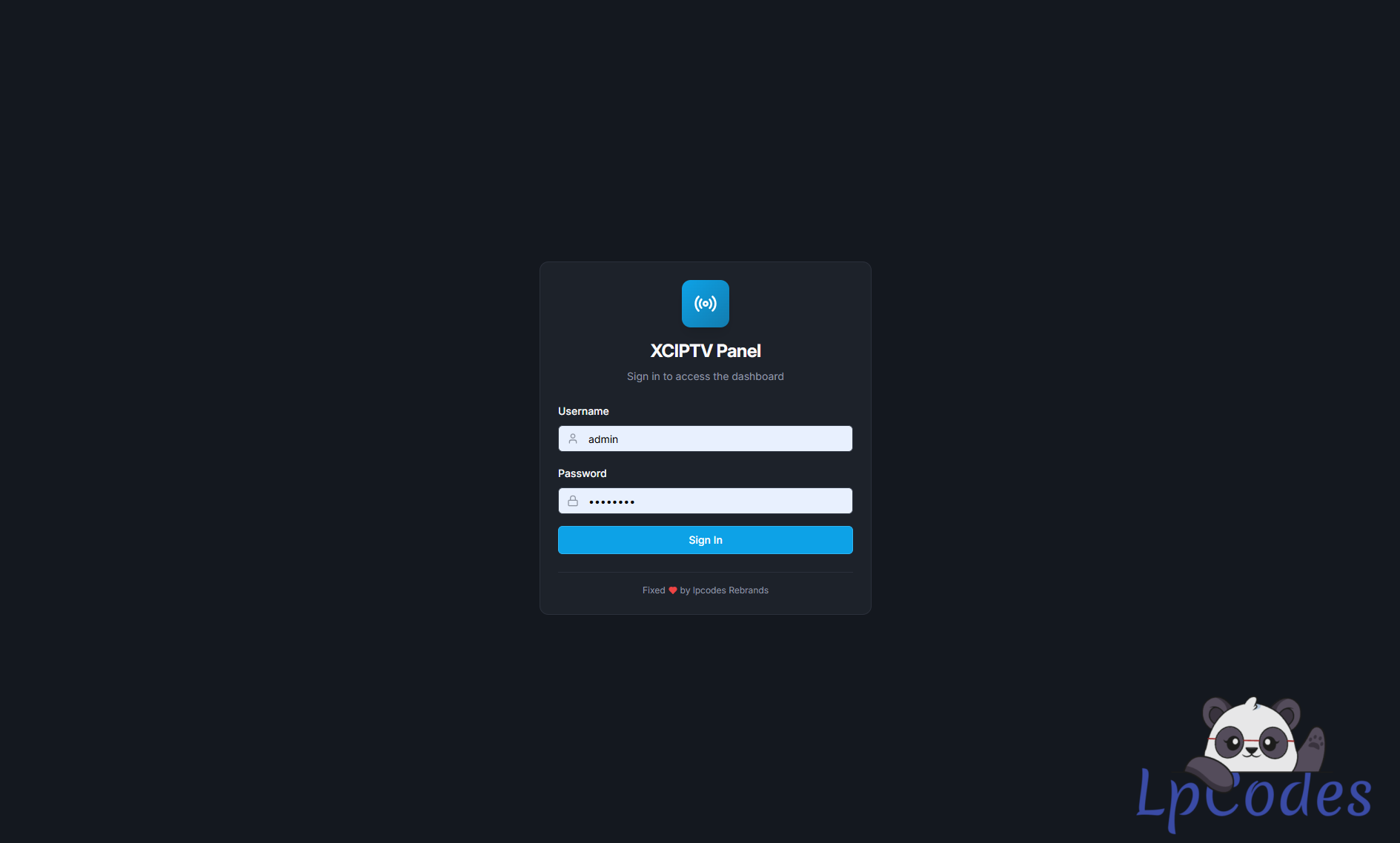
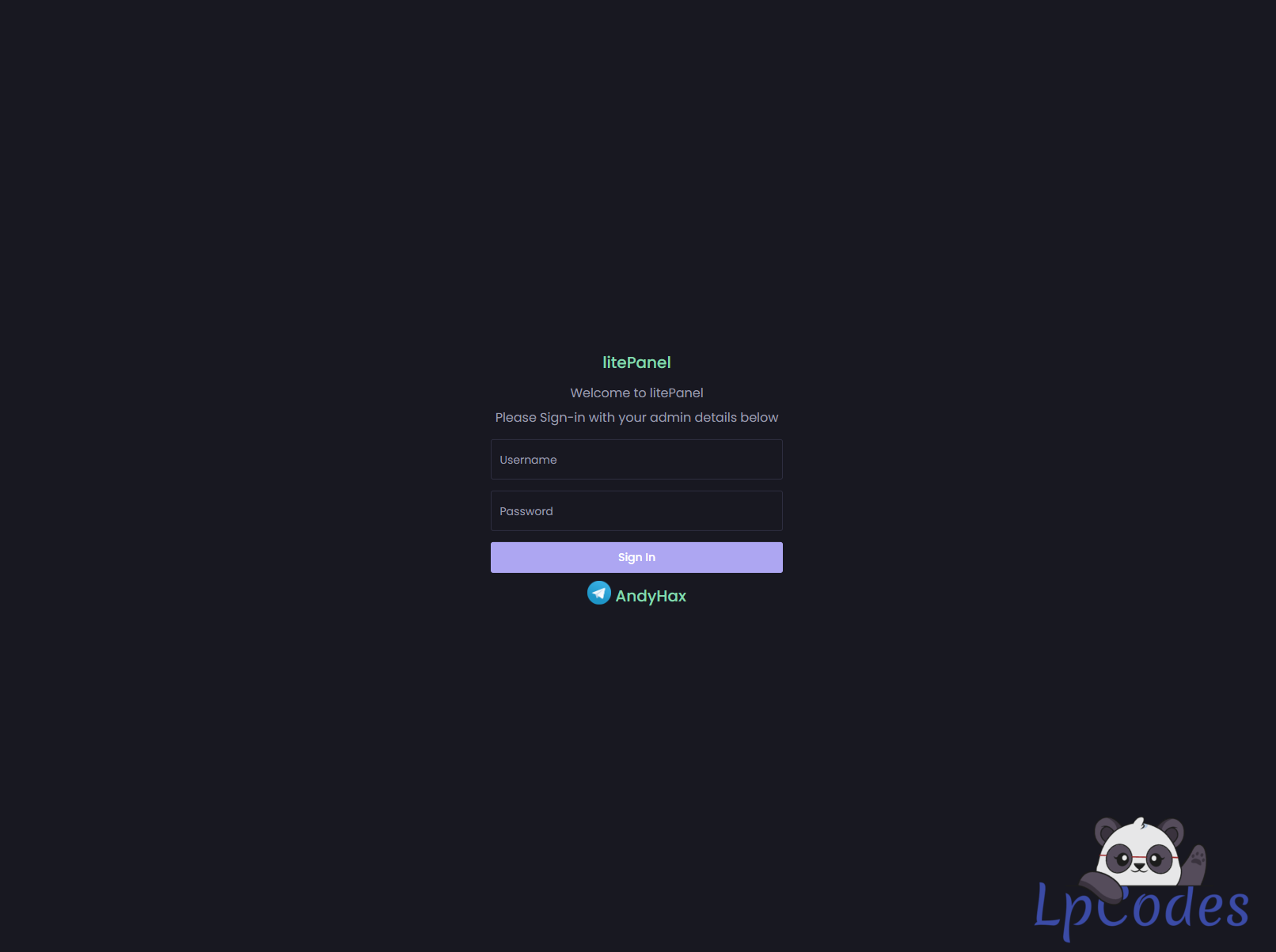
3. Log in using the default credentials: admin / admin (I recommend you change these to your own choice before you do anything else)
4. From the side menu on the panel, navigate to: OTTRun XCIPTV / Configuration / Application and enter a service name and the url of your Service DNS
5. Decompile apk (I recommend MTmanager), then search and replace the following "https://yourhost/" with the url of where you placed the panel on your hosting. There are three instances to replace and these are shown in the screenshots provided.
Please note the following important information:
1. If you want to change the into video then this has to be .mp4 format. It must be named as intro.mp4 and it MUST be placed in the same panel folder as the existing one, which is: "https://yourhost/dir/UltimateXC/api/intro.mp4"
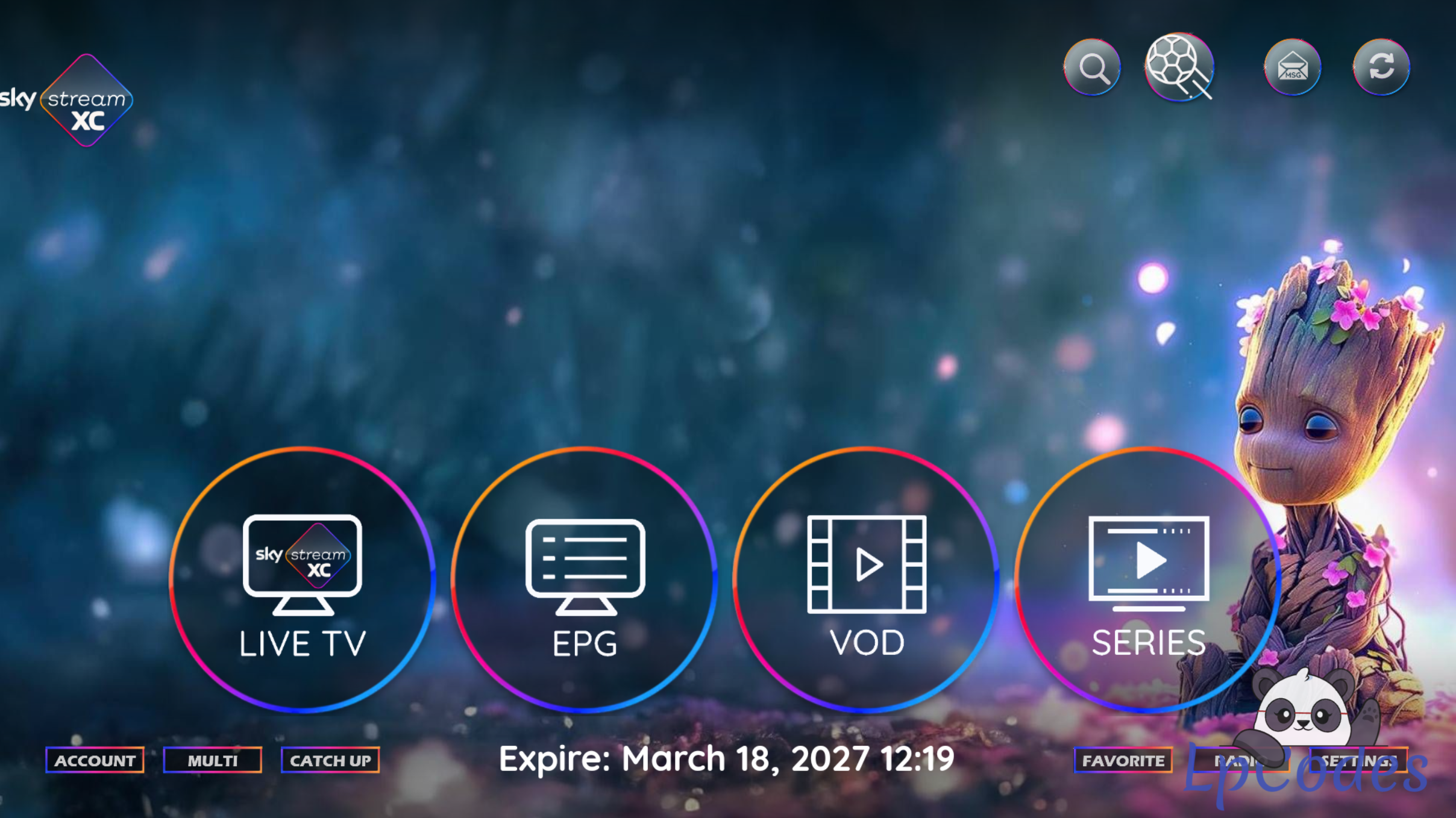
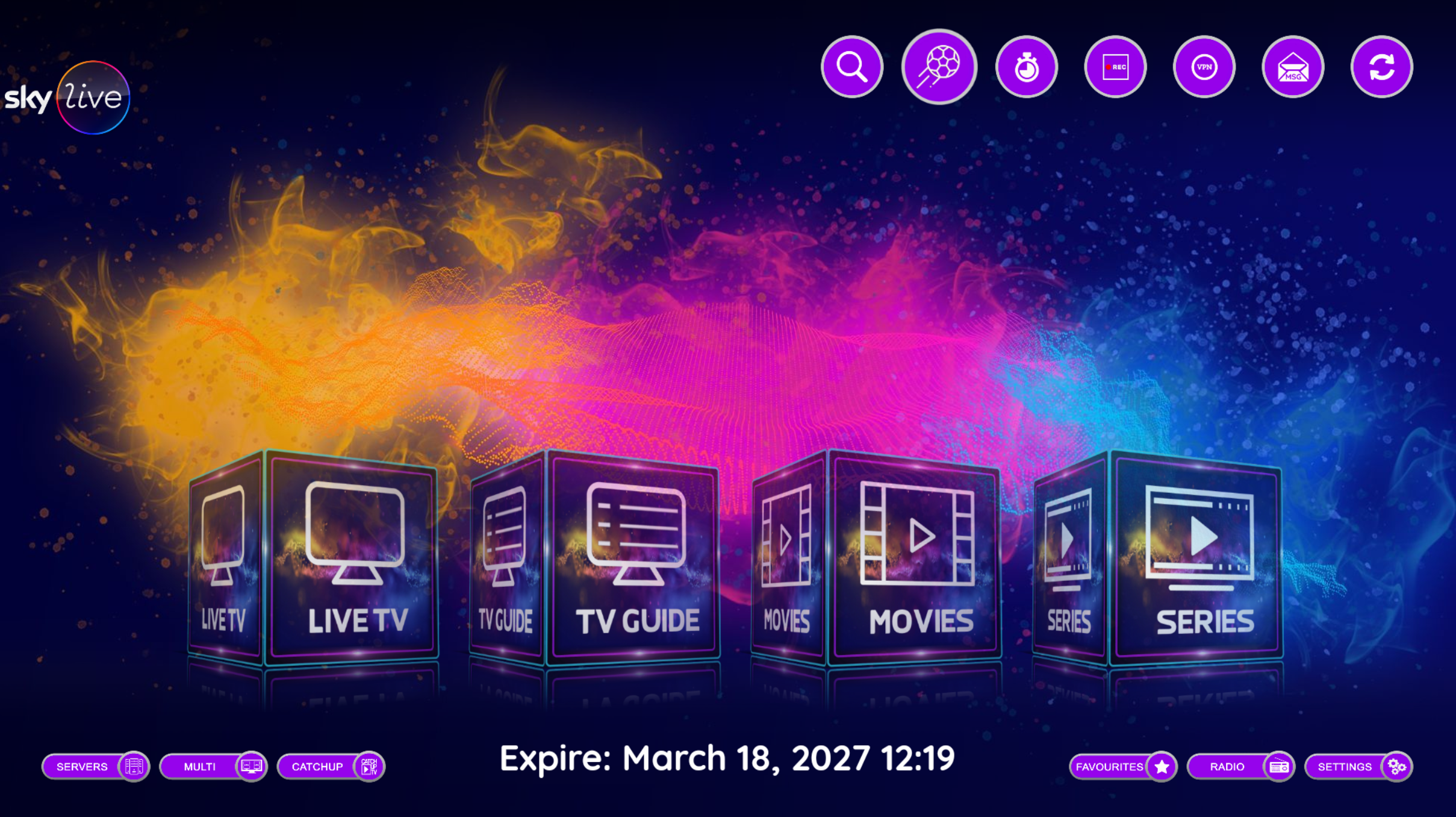
2. The app themes 1,2,3 & default can be changed freely from the panel but due to how the "New Layout" theme works if the theme "New Layout" is selected from the panel it will change in the app on the next start of the app but if you want to change from the New Layout skin back to one of the other themes, the app will need to be uninstalled and reinstalled to reset the theme change function.