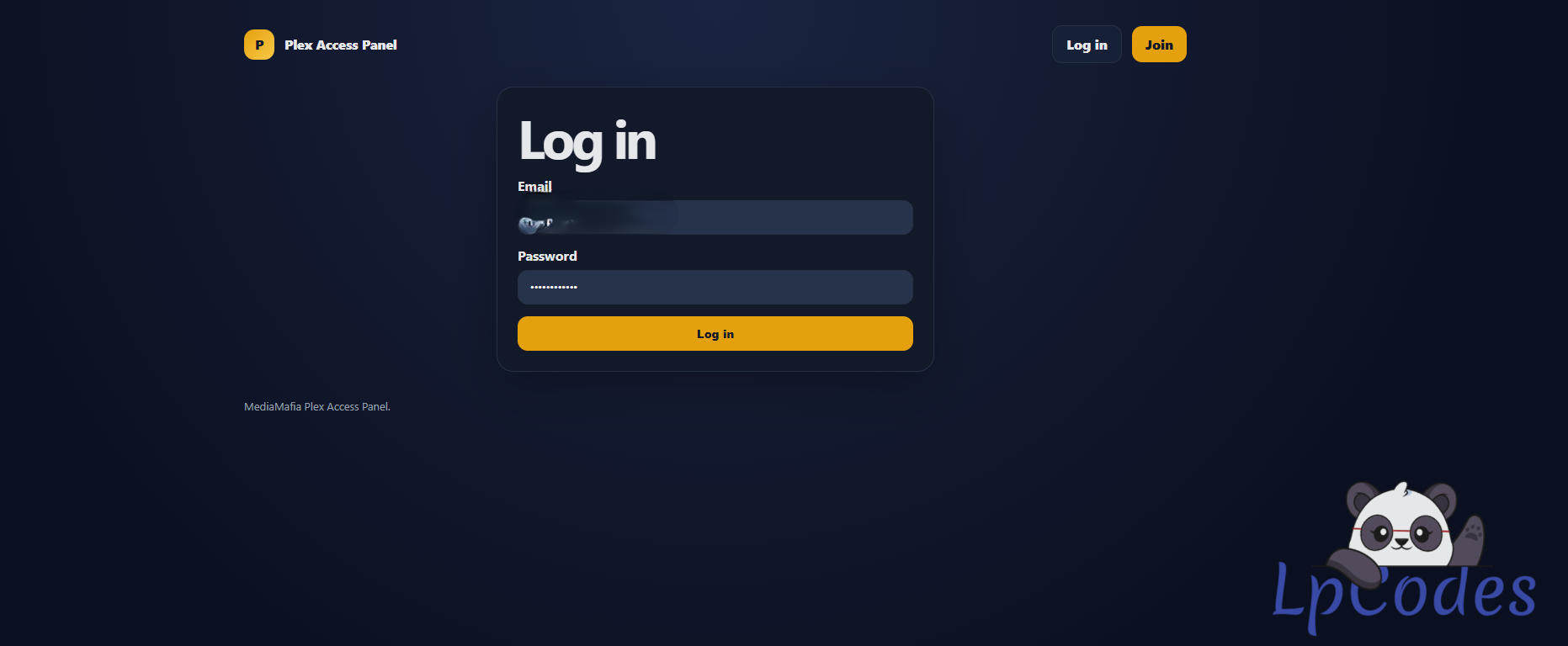
and also libraries sharing via email with existing plex users
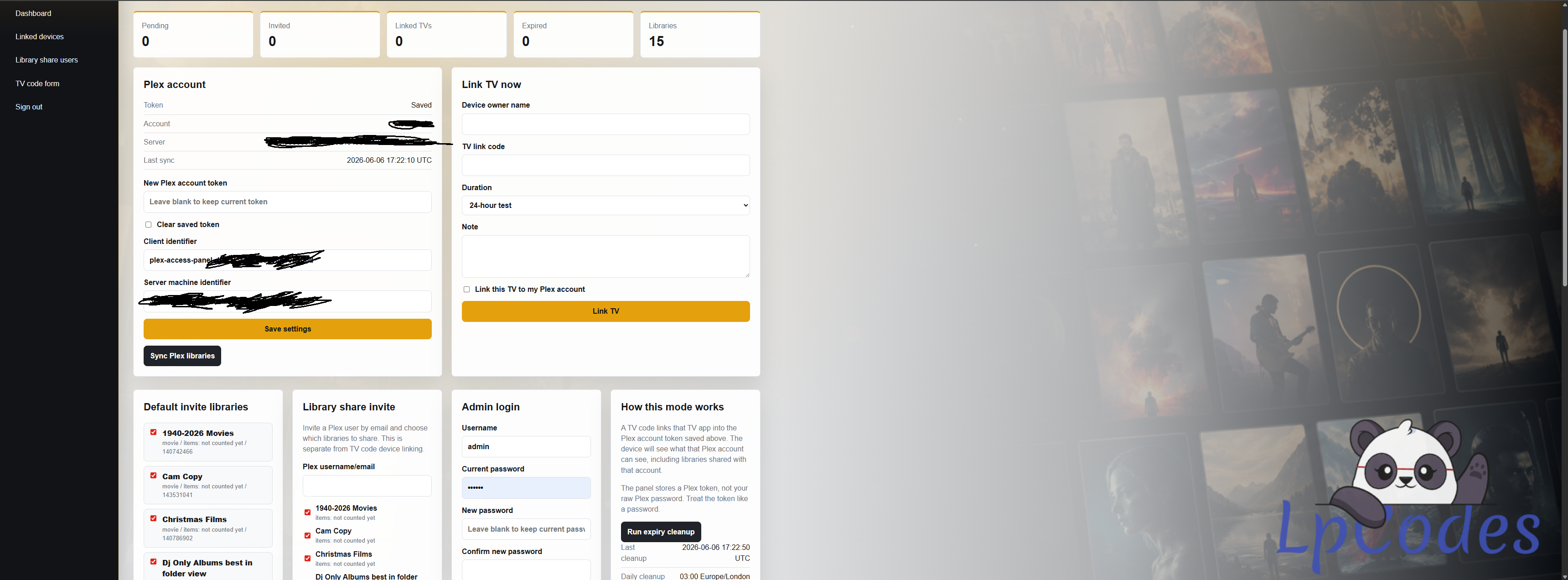
this wear i have got so far
# Plex Access Panel
A small PHP 7.4-compatible panel for managing Plex access requests.
It supports:
- First-run admin setup.
- Saving an `X-Plex-Token`.
- Syncing owned Plex servers and library section IDs.
- Showing library content counts when Plex returns or allows the panel to query them.
- A public TV-code form for friends.
- Linking a 4-character TV code to the configured Plex account when you explicitly confirm it.
- Pass durations: 24-hour test, 1 month, 3 months, 6 months, and 12 months.
- Extending linked users from the dashboard when they upgrade or renew.
- Expiry cleanup that can remove tracked Plex devices when a pass expires.
- Optional Plex library invites by Plex username or email.
## Important Plex Flow Note
Plex has two different flows:
- **Library invite:** your friend uses their own free Plex account, and you share selected libraries with their username or email. This is the recommended flow.
- **TV link code:** the 4-character code on a TV signs that TV app into the Plex account that links the code. If you link the code with your Plex token, that TV is linked to your account.
This panel is now focused on the TV link-code flow. It stores your Plex token, not your raw Plex password. Treat the token like a password because it can link devices into your Plex account.
The panel has a built-in daily cleanup check set to 03:00 Europe/London. PHP only runs when something visits the site, so for exact always-on cleanup use the dashboard's private cron URL with your host scheduler.
## Requirements
- PHP 7.4 or newer.
- PDO SQLite extension.
- cURL extension recommended.
- HTTPS strongly recommended for production.
## Windows SSL Certificate Fix
If Plex requests fail with `unable to get local issuer certificate`, PHP cannot find a trusted CA bundle.
The panel checks these locations automatically:
- `storage/cacert.pem`
- The `PLEX_CA_BUNDLE` environment variable
- PHP `curl.cainfo` / `openssl.cafile`
- Common Windows paths, including the Plex desktop app CA bundle
The most reliable fix is:
1. Download `cacert.pem` from https://curl.se/ca/cacert.pem
2. Put it in this project as `storage/cacert.pem`
3. Try **Sync Plex libraries** again.
## Install
1. Upload this folder to your server.
2. Set the web/document root to the `public` folder.
3. Open the site in a browser.
4. Create the admin account.
5. Add your Plex token and sync libraries.
The SQLite database is stored in `storage/panel.sqlite`, outside the `public` folder. Keep it private. The package includes Apache deny files for `app/` and `storage/`, but the safest setup is still to point the web root at `public`.
This panel does not use `config.php` or `config.sample.php`. If your upload has those files, you are probably using a mixed/old upload. You can open `/health.php` after upload to check PHP version, SQLite, cURL, and storage permissions. After admin setup, health checks are private unless you are signed in.
## Getting a Plex Token
Plex documents `X-Plex-Token` as an account authentication token. Their support article explains the temporary-token method:
https://support.plex.tv/articles/204059436-finding-an-authentication-token-x-plex-token/
For a production tool, use a token you intentionally created and can revoke if needed.
## Finding the Server Machine Identifier
The panel can usually discover your owned server and set the machine identifier when you click **Sync Plex libraries**.
If you need to set it manually, it is the server/client identifier used by Plex for your server. You can find it from Plex resources or your Plex server advanced settings.
Library content counts are updated when you click **Sync Plex libraries**. If the Plex server cannot be reached directly from the web host, a library may show `items: not counted yet` until the server connection is reachable.
## Device PIN Workflow
1. Give your friend the public request form URL shown on the dashboard.
2. Ask them to open Plex on the TV and send the 4-character code.
3. They submit their name, TV code, and duration in the form, or you enter it in **Link TV now**.
4. In the dashboard, tick the confirmation box and use **Link TV**.
5. The TV app is signed into the Plex account represented by your saved Plex token.
6. When the expiry passes, the panel removes the captured Plex device ID during cleanup.
7. To renew a linked user, use **Extend pass** on their request row. The extension is added from their current expiry if it is still active, or from now if the expiry has passed.
## Expiry Cleanup
The dashboard shows a private cron URL. Run it every 5-15 minutes with your host's scheduler, or once per day at 03:00 if you only want a daily sweep.
Example:
```text
curl "https://your-domain.example/cron.php?token=YOUR_TOKEN"
```
Linux cron for 03:00 daily:
```text
0 3 * * * curl -fsS "https://your-domain.example/cron.php?token=YOUR_TOKEN" >/dev/null 2>&1
```
Windows Task Scheduler action:
```text
powershell.exe -NoProfile -Command "Invoke-WebRequest -UseBasicParsing 'https://your-domain.example/cron.php?token=YOUR_TOKEN'"
```
If Plex does not expose a new device ID immediately after PIN linking, the request row will show `missing_device_id`. Those rows cannot be safely auto-removed by the panel, because removing the wrong Plex device would be worse than leaving it for manual review.
## Security Notes
- Put the site behind HTTPS.
- Use a strong admin password.
- Do not expose the `storage` folder.
- Do not expose the `app` folder.
- Delete or restrict `health.php` if your host cannot keep it private after setup.
- Treat your Plex token like a password.
- If a token is compromised, rotate your Plex password and sign out connected devices from your Plex account settings.
## Plex References
- Plex device link code flow: https://support.plex.tv/articles/203395277-connect-app-to-your-plex-account/
- Plex library sharing flow: https://support.plex.tv/articles/201105738-creating-and-managing-server-shares/
- Plex token support article: https://support.plex.tv/articles/204059436-finding-an-authentication-token-x-plex-token/
- PlexAPI community implementation used as an endpoint reference: https://python-plexapi.readthedocs.io/en/stable/_modules/plexapi/myplex.html
if you can help @Fuzepper to make this the ultimate plex panel that would be cool and add other options to it we could build this together